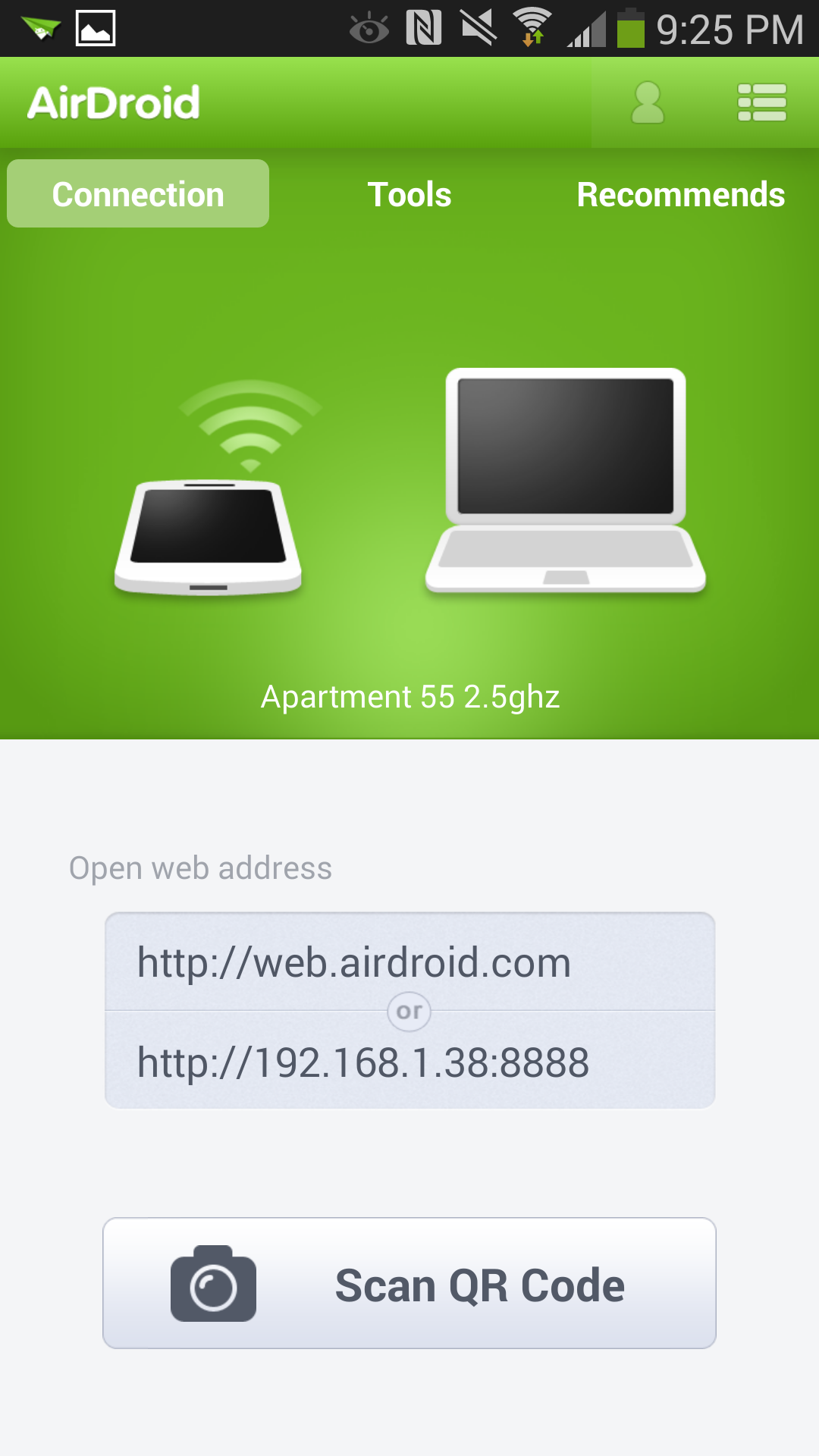
You don’t have to use a cable to transfer media from your computer to
your phone, or even dig your phone out of your bag to send text
messages. Instead, you can use AirDroid to control your smartphone from
your computer’s Web browser.
AirDroid lets you easily move things on and off your device. You can
send a text message from your desktop, peruse call logs, and
drag-and-drop pictures, music, and ringtones. There’s even the ability
to locate and lock your Android phone should you lose it, though this
feature is already natively built-in to most devices with Android 4.2.2
and up via the Android Device Manager. If you’re feeling silly, you can
even set up your Android phone as a spy camera with the Camera mode.
Price: Free
Astro File Manager
Navigating the files on your Android devices can be a bit of a pain.
Although AirDroid can help facilitate getting those files on and off of
the device, sometimes finding files and media on your phone can be a
chore.
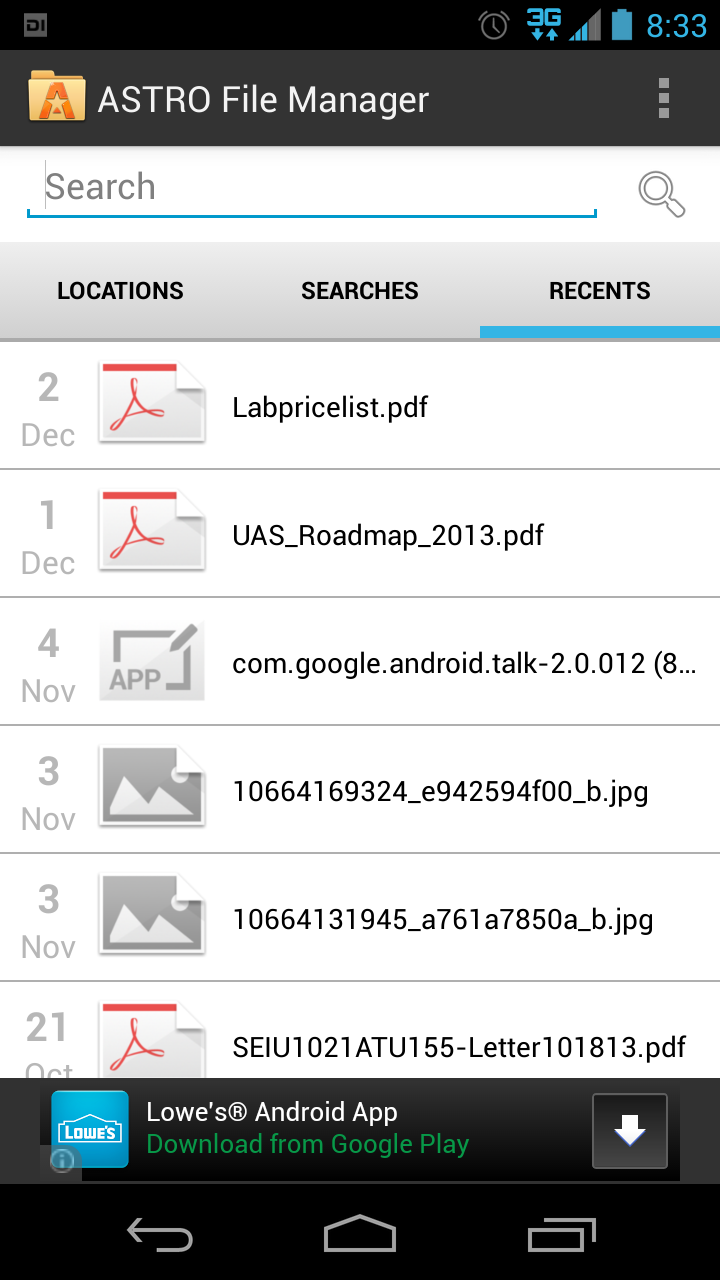
With Astro File Manager, you can organize, view, and find almost any
file contained on your Android device. You can also use the app to
browse through various cloud-based accounts, including Dropbox, Google
Drive, Box, and SkyDrive, and even move files between them. The app
works with your SD card (if your phone has one) and can open almost any
archived ZIP files and email attachments too. The paid version removes
ads.
Price: Free, or $4
Google Voice
We’ve said it before
and we’ll say it again: anyone with an Android device should have a
Google Voice number, at least as backup. The service is mostly free,
though limited in some of its offerings—there’s no way to send photos
through text messages, for instance—but it makes up for it in things it can do.
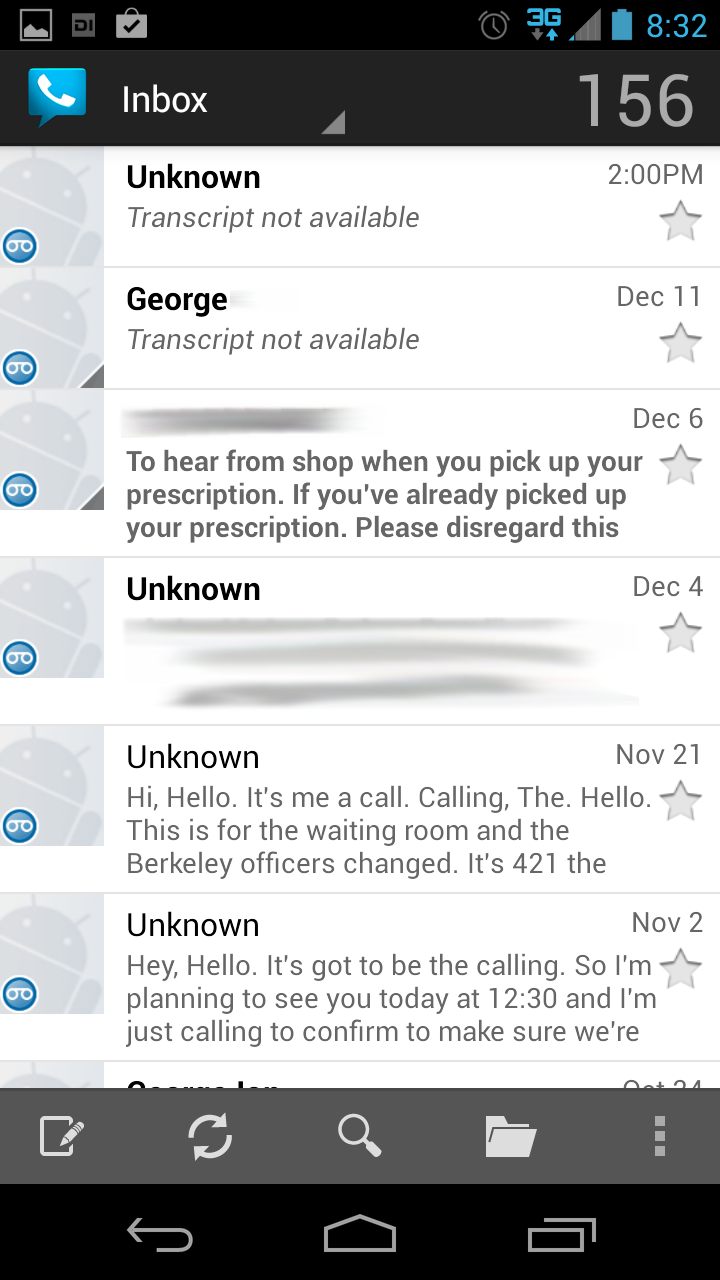
Google Voice assigns you a phone number, in addition to the one already
associated with your phone through your carrier, so that you can send
free texts, make cheap phone calls to your friends and family overseas,
or even use it as the default voicemail system to take full advantage of
its transcription abilities.
Price: Free
Google Keyboard
Unless your phone is emblazoned with the word “Nexus,” it’s likely
you’re dealing with a seriously skinned version of Android—and a virtual
keyboard that’s forced on you by the manufacturer. If you just can’t
stand it, try on the official Google Keyboard for size.
Google Keyboard is the default keyboard application that Google supplies
in stock version of Android. It’s mostly bare-bones, though it features
gesture typing, voice typing, and dictionaries for 26 languages.
There’s even emoji support, though only in Android 4.4 KitKat.
Alternatively, if you’re looking for keyboard apps that are a little
more feature filled, we’ve got a list of those for you, too.
Price: Free
VSCO Cam
You’re not sure if your phone came with enough vintage photo filters,
you say? Luckily for you, iOS favorite VSCO Cam just recently hit the
Google Play store.
The free application features the usual arsenal of photo-editing tools,
but you’ll mostly get a kick out of its faux-realist vintage filters.
You can choose the strength of each individual filter and then tweak it
further even after you’ve applied it. Want to make the photo look even
more weathered? Add a fade or drop the color saturation just a little
bit. Once you’re finished, you can share the photo across different
social networks, like Google+, Instagram, Facebook, Twitter, and even
VSCO’s own VSCO Grid photo-sharing network.
Price: Free
Podkicker
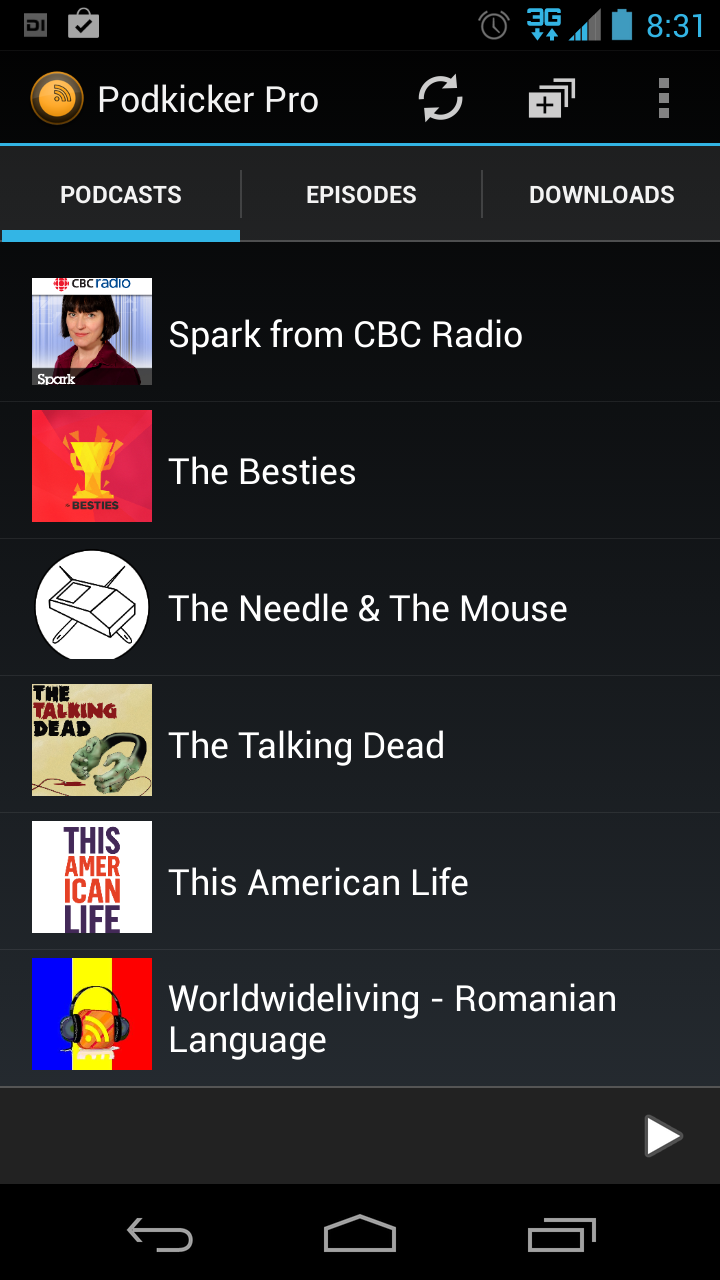
There is no need for a bloated, busy podcast app, which is why Podkicker
is so highly recommended. You can download podcasts for offline
listening and then delete them after you’re finished, or engage car mode
so that you’re not distracted trying to navigate the menus to get to
the episode you want to play. The paid version gets you even more
features and removes all advertisements.
Then go subscribe to Clockwise, our very own tech podcast.
Price: Free or $3
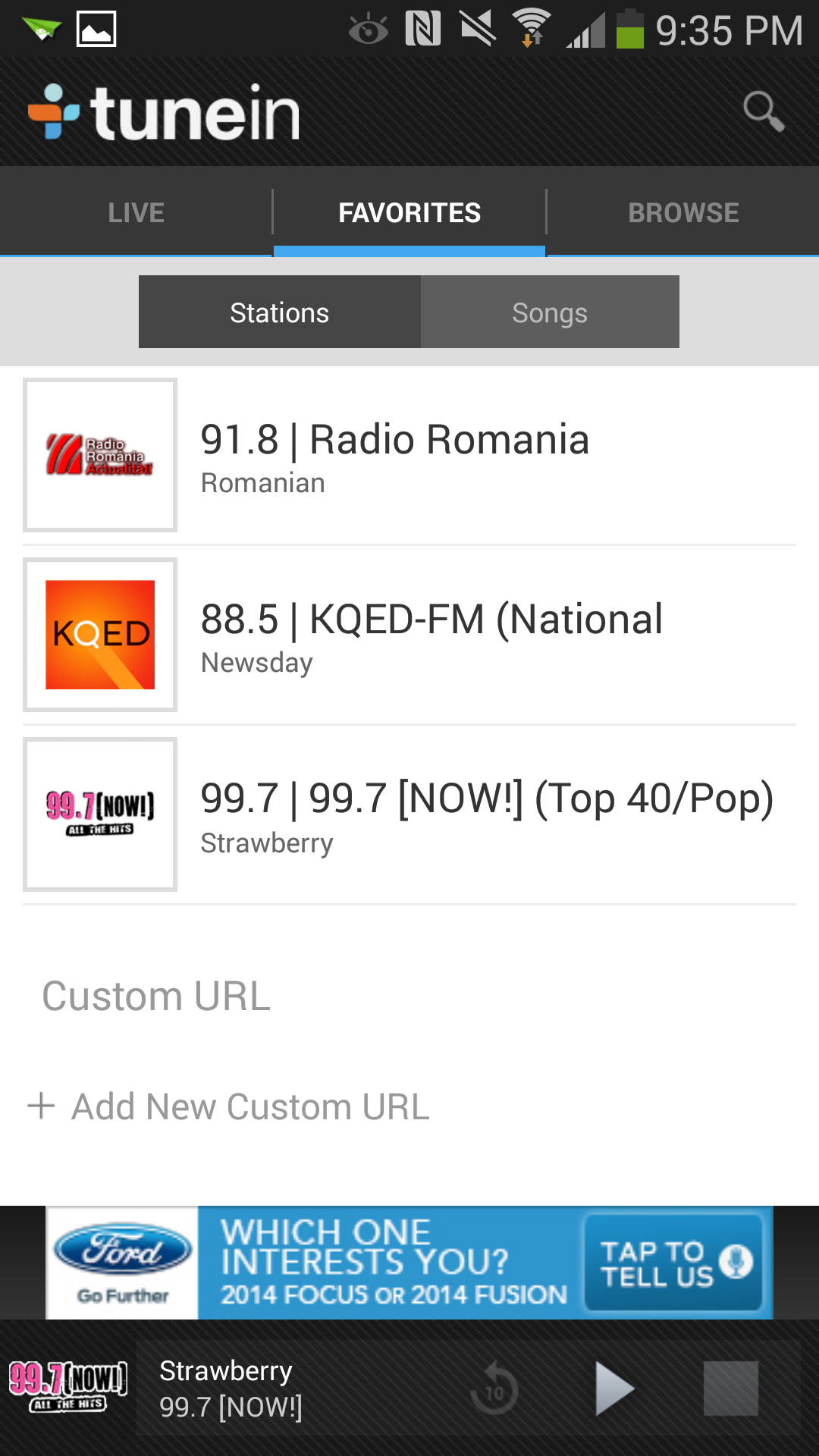
TuneIn Radio
Whether you like to listen to a broadcast of your favorite team up to
bat, or you just miss some of the radio stations from back home, TuneIn
offers free access to more than 10,000 radio stations from around the
world. If you’re a fan of live radio shows, you can send yourself a
reminder to “tune in” when it’s on. Or if you miss the days of clock
radios, you can even set your phone to wake you up to the radio. The
paid version lets you record live radio shows and play them back later.
Price: Free, or $7
Yelp
Looking for a place to get a bite to eat? Or perhaps you’re in the mood
for some roller disco? Whatever you’re hungering for, Yelp is the de
facto service for checking out crowd-sourced reviews. Can’t decide what
you want to do at all? Just hit the Nearby button to see what’s in the
area. The best part of Yelp on your mobile phone is that it provides an
easy-access button to get directions to where you’re going.
Price: Free
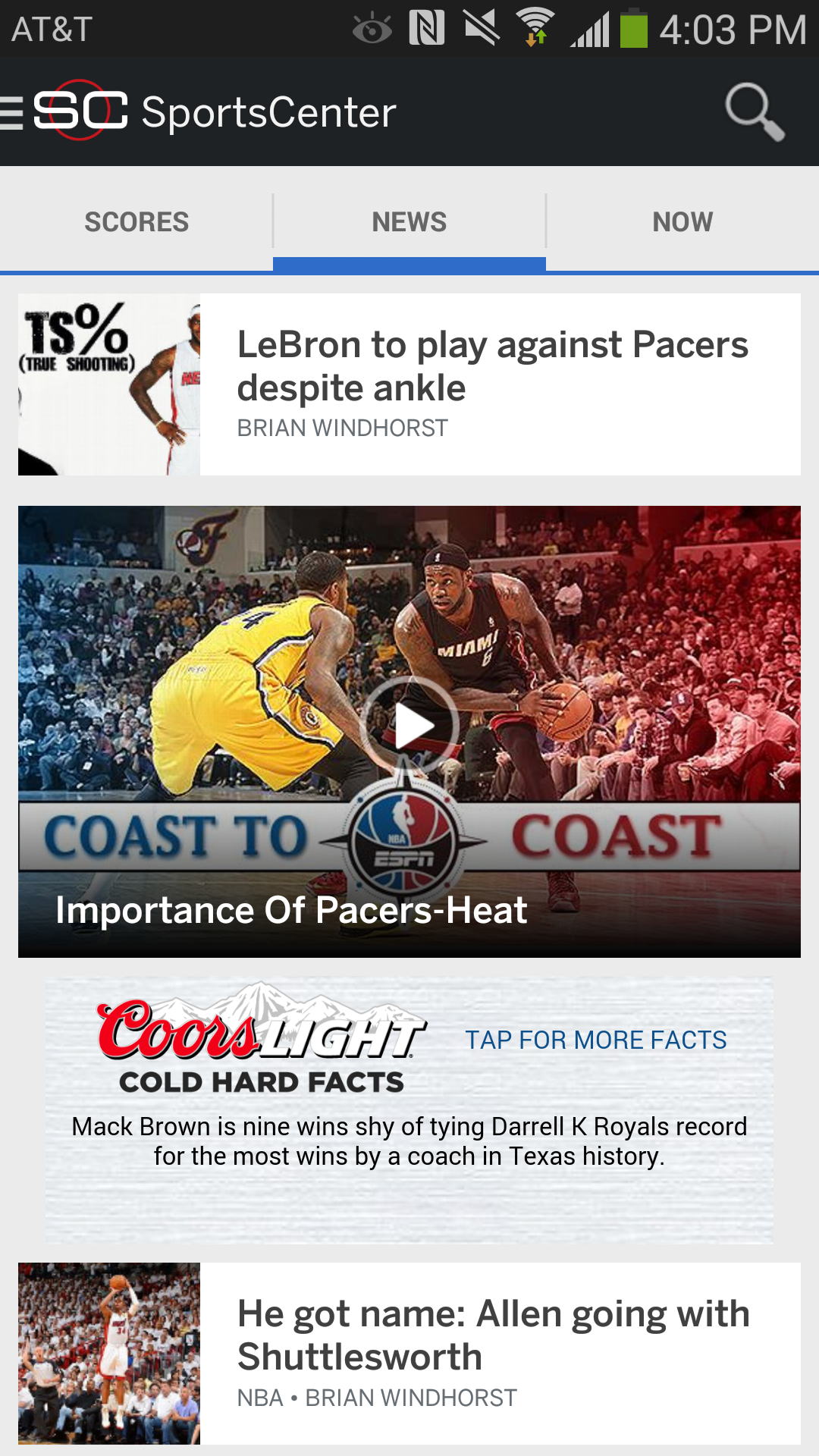
ESPN SportsCenter
Hey, sports buff. You don’t have to lose track of your team just because
they’re not in season. ESPN SportsCenter can keep you connected with
personalized news for your favorite teams, live scores, video
highlights, and personalized alerts. And if you couldn’t make it to the
game, you can even follow along with the buzz on Twitter.
Price: Free
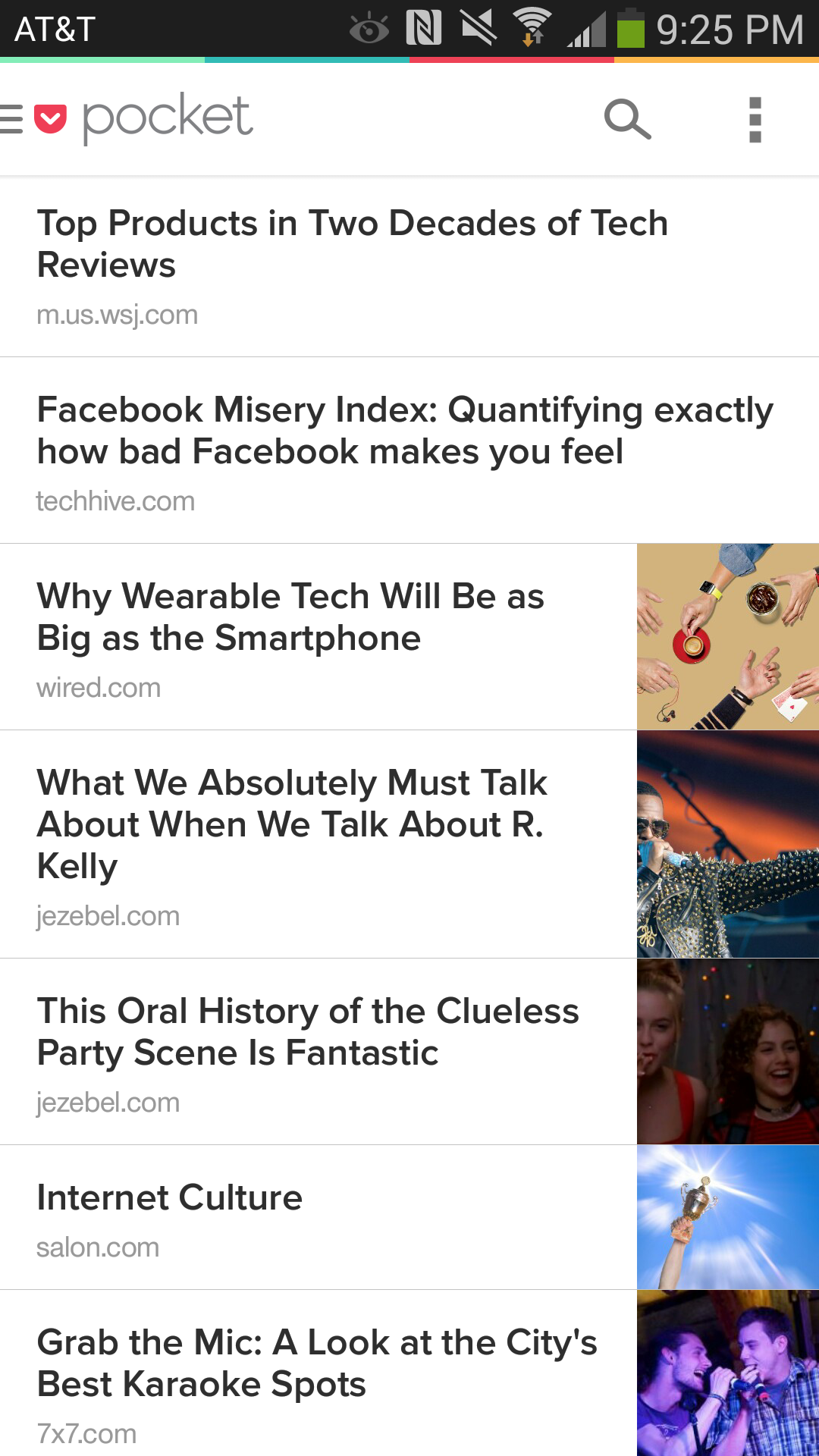
Pocket
The Web is a treasure trove of awesome content (hey, you’re reading some
right now!), but it’s impossible to read every interesting thing you
find the moment you find it. With a free Pocket account,
you can save articles, videos, and pictures from any of your computers'
web browsers to the cloud. Then pull them up on your Android phone
later when you’ve got some time to read.
Price: Free

 06:13
06:13
 By
Unknown
By
Unknown






0 comments: