latest articles

How to stream DVD movies online

To convert DVD movies to digital files on the computer that can then be uploaded to the web and privately streamed online, find a DVD conversion program compatible with your operating system.

The free, cross-platform Handbrake works with Windows, Mac OS X and Linux systems. Other free or inexpensive programs include Win X DVD Ripper for Windows or Free DVD Ripper for Mac. Commercial software with faster conversion speeds and more features like Wondershare's Video Converter Ultimate or NCH Software's Prism program (both around $50 with Windows and OS X versions available) are other options; many companies offer trial versions you can test before buying. If you do not find suitable software, third-party DVD conversion services are also available in many areas.
Be sure to convert the files into video formats that work well with online streaming, like .MP4 or QuickTime .MOV files.
Once you have converted the home movies to digital video files on your computer, find a video-sharing service that you like. YouTube and Vimeo are among the sites that let you adjust the privacy settings on your videos so that only people you invite may view the clips; social media sites may also work for your needs.

Other online services like Google Drive, Microsoft's OneDrive or Dropbox can also host short videos. Once you have the videos uploaded, send off the URLs or use share links provided by your chosen site so your family members can find the clips and stream them to their computers or mobile devices.
Read more

Microsoft offers Windows Phone OS free to Indian players

NEW DELHI: Desperate times call for desperate measures. With Windows Phone failing to make a significant dent in the market share of Google's Android and Apple's iOS in the last four years, Microsoft is waiving the licence fee and offering it to at least two Indian phone makers for free.

Last month at the Mobile World Congress in Barcelona, Microsoft announced that more phone makers, including two from India — Lava and Karbonn — will produce Windows Phone devices in the coming months. Both companies already make Android devices using Google's mobile OS which is free to use. Their Windows Phone devices are likely to hit the market in the next few months.

Multiple industry sources with knowledge of Microsoft's negotiations with Indian phone companies told TOI that it was in talks with local firms to produce affordable Windows Phone devices since last year. But the agreements were clinched only when Microsoft agreed to remove the licence fee it charges from phone makers for its OS.

This is unprecedented. Microsoft didn't even give the OS free to Nokia, which agreed to exclusively make Windows Phone in 2011. It reportedly charged Nokia between $20 to $30 for each Lumia device the Finnish company sold. Making the OS free also shows signs of growing frustration within the company at the lack of traction for Windows Phone in the market.

Historically, licensing the software has always been bread and butter for Microsoft. "For our planned Windows Phone handsets, we are not paying Microsoft a licence fee. The company is obviously exploring new models for Windows Phone. It must have realized that the older model where it licenced the OS did not work out well, even with Nokia's support," a senior executive with an Indian phone company told TOI.

While Microsoft is likely to offer Windows Phone OS to other manufacturers, including the global companies, under similar terms, the agreements with the two Indian firms are specific to them.

A Microsoft spokesperson refused to comment on the specifics of the talks the company held with Indian phone makers . But, the spokesperson said, "We have extensive programmes to help our partners build great devices. Our licensing model allows us to partner with OEMs across the world."

"Free Windows Phone is part of a strategic partnership. For both Microsoft and us, it is an experiment. Windows Phone still doesn't have lot of appeal in the market but now that it doesn't have any licence fee, it becomes easier for us to experiment with it," said another senior executive.

According to the latest IDC figures, Windows Phone OS has less than 10% share in India's smartphone market, which is dominated by Android. An IDC analyst said the "free" Windows Phone will definitely help Microsoft.

"If Microsoft has decided to waive the licence fee for Windows Phone, it is great news for local phone makers. Local phone makers are comfortable with Android. They are still not sure of the appeal of Windows Phone. If the OS is free to use, they will feel more confident while experimenting with it in the market," said Manasi Yadav, a senior market analyst at IDC.
Read more

Move from a hard drive to an SSD

've discussed the advantages of installing an SSD while also keeping your large hard drive in The Best of Both Worlds: An SSD and a HDD. I've also explained how to Move your libraries to an external drive without messing things up--important with most laptops when you switch to an SSD.
But I confess: I never covered the basic job of moving your Windows installation from a large-capacity hard drive to a faster but more limited SSD. I'll fix that right now.
[Email your tech questions to answer@pcworld.com.]
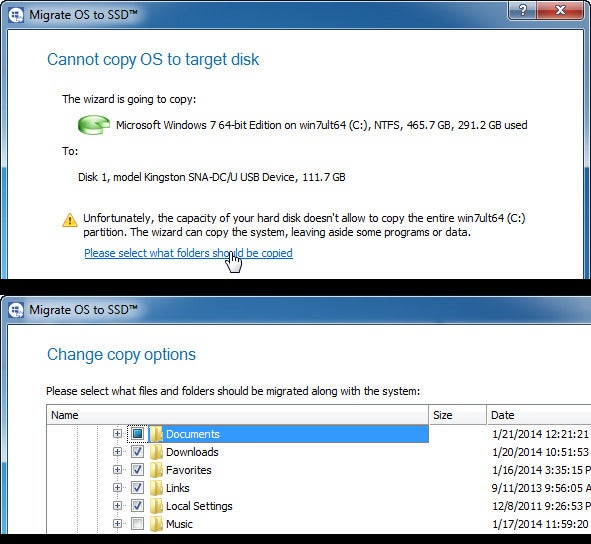
The best way to move an existing Windows installation, along with all of the installed programs, is to clone the drive. But cloning normally copies everything on one drive to the other. That doesn't work if you have 800GB of files and only 120GB of new storage.
What you need is cloning software smart enough to let you pick what files and folders you don't want on the new drive.
Such software might come with your SSD. But in my experience, bundled SSD cloning software leaves a lot to be desired. I haven't tried every such program by a long shot, so if your new SSD comes with cloning software, give it a try.
Of course, you'll have to connect the SSD to your PC. See How to upgrade to a larger hard drive for instructions on that part of the job.
If the SSD didn't come with bundled software, or if it wasn't any good, I suggest you shell out an extra $20 for Paragon Migrate OS to SSD. Yes, that's a lot of money for a program you'll only use once, but it's worth it. Migrate allows you to select which files and folders will and will not be copied to the new drive.
0303 paragon
When the cloning is done, set your PC to boot from the SSD. Keep the old hard drive around, either in the PC or externally in a SATA-USB enclosure, for storing the files you exempted from the cloning and others that won't fit on the SSD.
Read more

3 Awesome Google Tricks

1.  Type “Do a Barrel Roll ” And Press “I’m Feeling Lucky”

2. Type “Find Chuck Norris” And Press “I’m Feeling Lucky”

2Find-Chuck-Norris


3. Type “Google Gravity” And Press “I’m Feeling Lucky”

 Google-Gravity

Type “Google Guitar” And Press “I’m Feeling Lucky”

Google-Guitar

Read more

Top 10 Amazing Facts about Dreams

Ever wonder why people dream, and what these dreams could mean for different people? If you want to find out more about dreams and what they are, check out this top 10 amazing facts about dreams – and be impressed by each interesting details that you might not have known before.
things-to-do-in-lucid-dream

10. If you dream about strangers, it is possible that they are actual people you have met and seen in real life.

Although your dreams may show you some people that you think are total strangers, your brain is unable to invent images of people whom you have never met before. Thus, the strangers that you see in your dreams are faces of those who are real people that have been with you at one point in your life. For instance, these people were probably that guy you have bumped into one time while you were walking on the street, or a mailman that you used to see when you were younger. It is also possible that you have laid your eyes on a few people before you slept, and these characters play in your mind as you fall asleep.

9. People tend to forget about a major percentage of their dreams.

According to J. Allan Hobson, a dream researcher, at least 95 percent of dreams are forgotten immediately after waking up. You probably wonder why it is very difficult to remember dreams. Based on the explanation by some specialists, the immense changes in your brain each time you sleep fail to support the amount of information processed and stored in your memory. Moreover, brain scans of individuals who are sleeping have presented that their frontal lobes, or the area that has a large role int he formation of memory, remain inactive during the entire period of REM sleep. This is also the phase in which your dreams occur.

8. Dreams are different with men and women.

Based on dream researchers, there are various differences in terms of dreams by men and women. The content of one’s dreams vary depending on his experiences and emotions. In a clinical study, men typically dream about aggression while women hardly. do. In fact, William Domhoff, a dream researcher, stated that women usually have longer dreams that men. These dreams may also include more characters, and men typically dream about other men. On the other hand, women dream about both men and women equally.

7. You have the power to control your dreams.

Believe it or not, you may be capable of controlling your dreams if you want to. This is usually possible with lucid dreams, or in instances when you are already aware of your dreaming while you are not even awake yet. When you are having this type of dream, you may choose to control or direct the content of your dream. Researchers estimate that at least half on all individuals are capable of remembering their lucid dreams while others do not even have dreams.

6. Negative feelings are typical in most dreams.

For about a period of 40 years, dream researcher Calvin S. Hall has collected over 50,000 accounts of dreams from college students. These documentations of their dreams were made available to a wider audience in the 1990s by William Domhoff, a student of Hall. The accounts revealed that among the different emotions experienced by people during their sleep included happiness, fear and joy. However, the most common of all these emotions was anxiety, and these emotions were even more present in dreams than positive ones.

5. You remain paralyzed each time you are dreaming.

During the period of sleep where dreaming occurs (REM sleep), your voluntary muscles remain paralyzed. The reason for this REM atonia is that it prohibits you from being capable of acting your dreams out as you sleep. Additionally, since your motor neurons are unstimulated, your body is not able to move. In various cases, this paralysis may also carry over into your waking state for at least 10 minutes, and this is a condition referred to as sleep paralysis. In this state, you wake up from a frightening dream only to discover yourself being unable to get up or move a single muscle in your body. Although this experience can be rather terrifying, medical experts state that this is a normal phase, which can last for only a few minutes before your normal muscle control returns.

4. Most dreams are universal in nature.

It is a fact that dreams are influenced greatly by your personal experiences during your waking hours. However, researchers have discovered that certain themes in dreams are common in various cultures. For instance, people from different parts of the world also dream about falling, being attacked, or being chased. There are other typical dream experiences such as being naked in public, flying, inability to move or frozen. Thus, people’s dreams may be universal regardless of their culture or race.

3. Animals are likely to have dreams, too.

Have you seen a sleeping cat or dog move its legs or wag its tail while it sleeps? Although it can be difficult to tell for sure if the animal is actually dreaming, researchers claim that it is possible that animals also have dreams. As with humans, animals also enter different sleep stages that consist of various cycles of NREM and REM sleep. In a study, a gorilla was once taught how to communicate using sign language. This gorilla signed to inform others about having “sleep picture”, which indicate its experience of dreaming as it sleeps.

2. Some dreams are not in color.

About 80 percent of dreams are set in color, yet a small percentage of individuals claim to have dreams in black and white. Dreamers who have been awakened were asked to choose any colors from the chart to match the ones found in their dreams, and they selected soft pastel colors quite frequently.

1. Everybody has dreams.

No matter what age, people dream as they sleep. According to researchers people are most likely to have dreams and each of these last for a minimum of 5 minutes. In a typical lifetime, a person may spend an approximate average of 60 years dreaming.
Interesting discoveries about dreams, don’t you think? So, the next time you have a dream, try to recall these amazing facts, and consider keeping track of your dreams to find out fascinating meanings behind each.
Read more

German court rejects 1.6 billion euro lawsuit filed against Apple

MANNHEIM, Germany (Reuters) - A German court on Friday dismissed a lawsuit filed against Apple by German patent manager IPCom claiming 1.57 billion euros in damages.
The claim concerned a mobile telephone patent that enables mobile phones to make emergency calls even when networks are overloaded.
(Reporting Peter Maushagen; Writing by Thomas Atkins; Editing by Maria Sheahan)
Read more

Gadget Watch: Fastlane in Nokia X shows promise

BARCELONA, Spain (AP) — By design, Nokia's new Android smartphones will underwhelm users of high-end phones. The Nokia X line was created with emerging markets in mind, so the company emphasized keeping prices low, meaning the user interface is relatively simple.
The home screen resembles the one on Nokia's Windows-based Lumia phones, even though it's Android underneath. But Nokia Corp. added a Fastlane feature, a screen with quick access to your most-used apps. You get to it by swiping from the left or right edge of the home screen or tapping the back button at the bottom.
The basic Nokia X phone costs 89 euros ($122) and has a 4-inch screen, measured diagonally, and a 3 megapixel camera. A X+ version with an SD storage card costs 99 euros, while an XL with a 5-inch screen and 5 megapixel camera goes for 109 euros.
In the brief time I've had with the Nokia X at this week's Mobile World Congress wireless show in Barcelona, Spain, I have found the Fastlane feature to be a good start. It's something I would like to see on more phones, including Nokia's Windows devices.
I hate to spend time customizing gadgets, getting the icons for the most-used apps on the main home screen. The nice thing about Fastlane is that you don't have to spend any time on that. Your favorite apps are just one swipe away — sort of.
The top of Fastlane shows you what's coming up, whether that's alarms about to ring or future events in your calendar. Below that are your recently used apps. The ones you just used will be at the top, so you don't have to scroll down.
For some apps, you get information that normally comes with notifications, such as previews of text messages or alerts that three people have tried to reach you on WeChat, a Chinese social network. You see small versions of recent photos and can tap for the larger version in the photo gallery app. You see calls you missed, songs you heard and websites you visited.
It could get overwhelming, so you can block certain apps and certain notifications from appearing in Fastlane. In the settings, you can also add a shortcut to one social network, such as Facebook or Twitter.
That's where Fastlane can improve — understanding better which apps I use most over a period of days or months and creating a section at the top for those.
This week, for example, I was too busy to check Facebook, but that doesn't mean I don't use it regularly. But in Fastlane, Facebook would drop toward the bottom in a matter of days, unless I happen to choose it as my one shortcut.
Why not make sure the most-used apps are stored as favorites at the top of the screen? Nokia says it's considering that.
Likewise, if I haven't used something for months after using it daily, Fastlane can assume I've grown tired of it and automatically remove it. Myspace anyone?
Nokia doesn't plan to make Fastlane for its Windows phones, and I doubt it'll extend it to rival Android phones, such as my Samsung Galaxy S III. It's something it wants to keep exclusive to its own phones to compete.
That's understandable, yet a shame.
Read more

Use Windows' sorting options to find just the right file

Use Windows' sorting options to find just the right file

One of the biggest pains of using a PC is rooting around the file system to find very specific information.
Over the years, Microsoft has made it easier to find files with enhanced search capabilities for finding that one Word document, photo, or video you need. Search is great when you're looking for a specific file by name, but sometimes you don't care about words. Sometimes, you're looking for the largest video file in your collection, or the most recently modified Word document in your OneDrive folder.
That's where File Explorer's View menu comes in handy.
fileexplorer
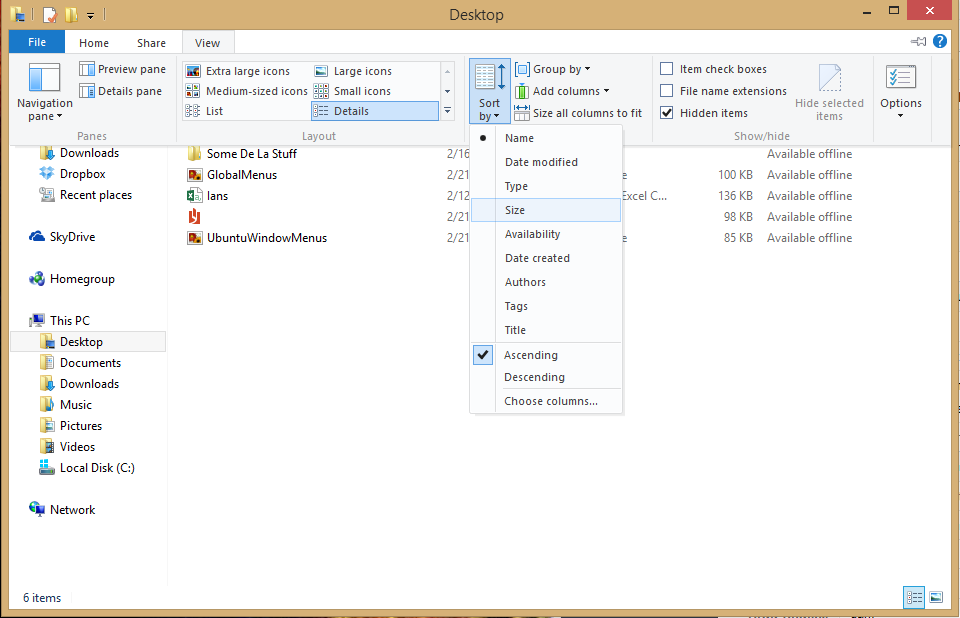
Windows 8's View menu.
By default, File Explorer lists your files and folders in ascending alphabetical order from A to Z. But let's say you want to group all the files in your Documents folder a more helpful way—say, so you can see how many spreadsheets you have.
At the top of Windows 8's File Explorer window, click on View > Sort by > Type. (Windows 7 users can view the sort menu by right-clicking in an empty part of the folder window.) If you have a lot of folders you won't see much of a difference at first since, File Explorer always lists folders before loose files.
Scroll down, however, and you'll see all your files grouped by their file type such as HTML, text, Excel, Word, XLS, PDF, and so on.
Now you can quickly scroll down to the spreadsheet section to find what you're looking for. To revert File Explorer back to a straight alphabetical list just click View > Sort by > Name.
Some of the options lend themselves well to more productive sorting. File Explorer provides view options for date modified, size, date created, who created the file, and reverse alphabetical order, for example—all of which can help you put your finger on very specific files.
So the next time you're looking for a file and searching by name just won't do, give File Explorer's View menu a shot.
Read more

Microsoft to end support for Windows XP in 28 days

To drive adoption of its newer operating systems, Microsoft has announced the end of support for the popular Windows XP from April 8, 2014. The US-based technology giant said continued usage of the OS -- one of the most successful software from the company -- will not only make Indian firms vulnerable to security threats but also triple their annual maintenance cost per PC to USD 300.
The company on Tuesday said the installed ‘Windows XP’ PC base for large enterprises is about 4 million units in India, of which around 84 per cent have migrated from the operating system.
“We want every PC in India to move away from Windows XP before support ends on April 8, 2014. Our customers use Windows OS to run critical processes, which help them at work and in their lives. It is important for them to move from XP. At present about 84 per cent have stopped using this," Microsoft India Managing Director Karan Bajwa told reporters here.
Windows XP, which was launched in 2001, is three generations behind the latest operating system, Windows 8, that was launched in 2012. The Indian businesses have ‘28 working day’ to secure their IT environment and migrate from Windows XP to a higher version, the company said.
Of the 16 per cent still using Windows XP, share of BFSI segment and state-owned enterprises stands at 35 per cent each approximately, followed by manufacturing (17 per cent), communication sector (16 per cent) and IT-ITeS (6 per cent).
Mr. Bajwa said according to research firm IDC the cost of maintaining a PC that runs on Windows XP OS after April 8, could run up to USD 300 per PC per year as against the present cost of USD 75-100.
Moreover, with end of support, Windows XP computers will be a lot more vulnerable to security threats.
“This is a genuine threat to Indian businesses and it is worrying to see that many organizations in critical industries, for example banking, aren’t moving quickly enough,” Mr. Bajwa added.
As per the bi-annual Security Intelligence Report published by Microsoft, Windows XP installations are six times more likely to be infected by malware than Windows 8 machines.
Read more

Perfect Fit: Why the Samsung Gear Fit might be a hint of wristbands to come

It's way too early to get excited about a product that was just announced, and that I've barely had much time to play with. But Samsung's latest wearable, the Gear Fit, marks a territory that has been emerging since CES in January: half fitness band, half smartwatch, the little, curved-screen device looks like it's trying to be both a Pebble and a Fitbit...to have its wearable cake and eat it, too.

Samsung Gear Fit, hands-on (pictures)

1-2 of 13
Scroll Left Scroll Right
That's a great idea. In fact, it's an idea I was thinking of last year when the Fitbit Force arrived. Could slightly-smarter fitness bands be the "smartwatches" we've been waiting for? The Nike Fuelband is already a type of watch. And, based on this list of top smartwatch companies, the Smartwatch Group already considers the Fitbit Force and Fuelband as smartwatches: they tell the time, and they wireless connect to transfer data.
But, the Gear Fit really is smart...or promises to be. It'll receive notifications, track your heart rate, control music, and...well, do all the basic things most people think of when they think of "smart watch." A more fully-featured Gear 2 offers a camera, microphone, stand-alone music storage and the possibility of more apps, but are those features anyone's looking for? Maybe the Gear Fit is the magic in-between device that's...well...a better fit right now. It straddles the territory between fitness band and watch, understanding that most people will only buy one wrist gadget.
Samsung's not the only one. The Razer Nabu, LG Lifeband Touch, and Huawei TalkBand are all entering similar smarter-band territory. And maybe Apple's mythical iWatch could have some of these elements in common, too.
(Credit: CNET)
The Gear Fit's construction is also smart: because it has a pop-out design and different straps, it can morph its style instead of being wedded to one color or shape. It could even be adopted into a different type of wearable, theoretically: why not have it pop into a piece of clothing or another accessory?
I saw all of Samsung's products yesterday in New York. I went to sleep last night, talked about the products this morning, and realized that of all of them, the one I heard the most buzz about, read the most positive tweets about, was the Gear Fit. The price is still unknown, but if it stays competitive to the Nike/Fitbit/Withings landscape of fitness tech, I know which Gear I'd be most interested in.
Read more

How to get a job at Google


MOUNTAIN VIEW: Last June, in an interview with Adam Bryant of The New York Times, Laszlo Bock, the senior vice president of people operations for Google — i.e, the guy in charge of hiring for one of the world's most successful companies — noted that Google had determined that "GPAs are worthless as a criteria for hiring, and test scores are worthless. ... We found that they don't predict anything."
How to get a job at Google
Google attracts so much talent it can afford to look beyond traditional metrics, like GPA.

He also noted that the "proportion of people without any college education at Google has increased over time" — now as high as 14% on some teams. At a time when many people are asking, "How's my kid gonna get a job?" I thought it would be useful to visit Google and hear how Bock would answer.
Don't get him wrong, Bock begins, "Good grades certainly don't hurt." Many jobs at Google require math, computing and coding skills, so if your good grades truly reflect skills in those areas that you can apply, it would be an advantage. But Google has its eyes on much more.
"There are five hiring attributes we have across the company," explained Bock. "If it's a technical role, we assess your coding ability, and half the roles in the company are technical roles. For every job, though, the No. 1 thing we look for is general cognitive ability, and it's not IQ. It's learning ability. It's the ability to process on the fly. It's the ability to pull together disparate bits of information. We assess that using structured behavioral interviews that we validate to make sure they're predictive."
The second, he added, "is leadership — in particular emergent leadership as opposed to traditional leadership. Traditional leadership is, were you president of the chess club? Were you vice president of sales? How quickly did you get there? We don't care. What we care about is, when faced with a problem and you're a member of a team, do you, at the appropriate time, step in and lead. And just as critically, do you step back and stop leading, do you let someone else? Because what's critical to be an effective leader in this environment is you have to be willing to relinquish power."
What else? Humility and ownership.
"It's feeling the sense of responsibility, the sense of ownership, to step in," he said, to try to solve any problem — and the humility to step back and embrace the better ideas of others. "Your end goal," explained Bock, "is what can we do together to problem-solve. I've contributed my piece, and then I step back."
And it is not just humility in creating space for others to contribute, says Bock, it's "intellectual humility. Without humility, you are unable to learn." It is why research shows that many graduates from hotshot business schools plateau. "Successful bright people rarely experience failure, and so they don't learn how to learn from that failure," Bock said.
"They, instead, commit the fundamental attribution error, which is if something good happens, it's because I'm a genius. If something bad happens, it's because someone's an idiot or I didn't get the resources or the market moved. ... What we've seen is that the people who are the most successful here, who we want to hire, will have a fierce position. They'll argue like hell. They'll be zealots about their point of view. But then you say, 'here's a new fact,' and they'll go, 'Oh, well, that changes things; you're right.'" You need a big ego and small ego in the same person at the same time.
The least important attribute they look for is "expertise." Said Bock: "If you take somebody who has high cognitive ability, is innately curious, willing to learn and has emergent leadership skills, and you hire them as an HR person or finance person, and they have no content knowledge, and you compare them with someone who's been doing just one thing and is a world expert, the expert will go: 'I've seen this 100 times before; here's what you do.'" Most of the time the non-expert will come up with the same answer, added Bock, "because most of the time it's not that hard." Sure, once in a while they will mess it up, he said, but once in a while they'll also come up with an answer that is totally new. And there is huge value in that.
To sum up Bock's approach to hiring: Talent can come in so many different forms and be built in so many nontraditional ways today, hiring officers have to be alive to every one - besides brand-name colleges. Because "when you look at people who don't go to school and make their way in the world, those are exceptional human beings. And we should do everything we can to find those people." Too many colleges, he added, "don't deliver on what they promise. You generate a ton of debt, you don't learn the most useful things for your life. It's [just] an extended adolescence."
Google attracts so much talent it can afford to look beyond traditional metrics, like GPA. For most young people, though, going to college and doing well is still the best way to master the tools needed for many careers. But Bock is saying something important to them, too: Beware. Your degree is not a proxy for your ability to do any job. The world only cares about — and pays off on — what you can do with what you know (and it doesn't care how you learned it). And in an age when innovation is increasingly a group endeavor, it also cares about a lot of soft skills — leadership, humility, collaboration, adaptability and loving to learn and re-learn. This will be true no matter where you go to work.
Read more

How to force SkyDrive to store your files on your hard drive in Windows 8.1


There are a lot of great features in Windows 8.1 that make it well worth using, and Update 1 expected in the coming weeks sounds promising too.
But for traditional PC users with big hard drives one thing that may not be so great is how Windows 8.1 works with SkyDrive.
To make Windows 8.1's deep SkyDrive integration more usable on a tablet, Microsoft decided to store most of your SkyDrive documents in the cloud and only download them locally when you need them.
That makes sense if you only have 32GB or 64GB of storage on a slate, but with a laptop hard drive of 500GB or more, it's less of an issue. It also makes more sense to keep a local copy at all times if you're doing regular backups to an external hard drive at home.

How to make SkyDrive files available offline in Windows 8.1

If you want to make sure all your SkyDrive files are always available locally and sync back to the cloud, there are two ways you can do it.
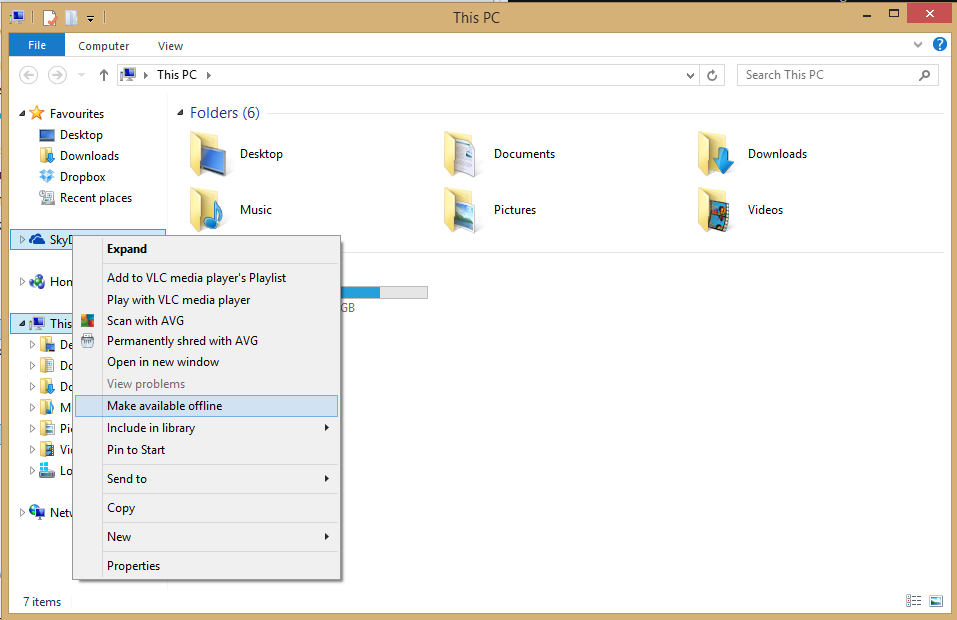
The first is to open File Explorer and then right-click the SkyDrive icon in the left-hand navigation column. In the context menu, select "Make available offline." That will force SkyDrive to download all of your cloud-stored files to the local machine. (Warning: It might take a while if you're stashing a lot of stuff in SkyDrive.)
skydriveclick
You can make sure all your SkyDrive files stay local right from File Explorer.
If you only want a specific set of files or folders available offline, you can also right-click them individually and select to make just those available offline. To tell which of your files are already available offline, look for the "Availability" column in the main window of File Explorer when perusing your SkyDrive data.
metro skydrive options
The second way to pull down your documents from the cloud is to open the SkyDrive modern UI app and then tap the Windows logo key + I to open the Settings charm. Next, select Options and click or tap the on/off slider to "On." There should be only one slider, but just to be clear the slider is labeled "Access all files offline."
Either way you choose, all your SkyDrive files are now available to you on your local drive.
Read more

How to make the Windows desktop look good on high-DPI displays


One of the most long-overdue trends in PC is the rise of high-pixel-density displays. For ages, computer monitors have gotten bigger and bigger, with only a minor increase in resolution to go along with it, meaning that we’ve been paying more to see a blurrier, more pixelated desktop.
Finally some laptop manufacturers are getting with the program. Apple’s Retina Display MacBooks, Toshiba's Kirabooks, and Lenovo's IdeaPad Yoga line—just to name a few—are all offering laptops with crisp, pixel-packed displays, and it’s clear that it won’t be long before all high-end laptops include high-DPI screens.
Unfortunately, Windows isn’t totally equipped to deal with high-density displays out of the box. If you’re new laptop isn’t as crisp as you expected, or it’s difficult to work with the user interface, it might be your operating system that’s at fault. Here are five things you can do to make sure Windows is set up to take advantage of your high-density display.

Use global scaling

One of the main problems with a high-density display is that most software was designed back when high resolution automatically meant a huge display. If you take a program designed for a 24 inch monitor and shrink it down to 11 inches without changing anything, buttons and text and other UI elements are going to look absolutely tiny on the screen.
custom sizing options
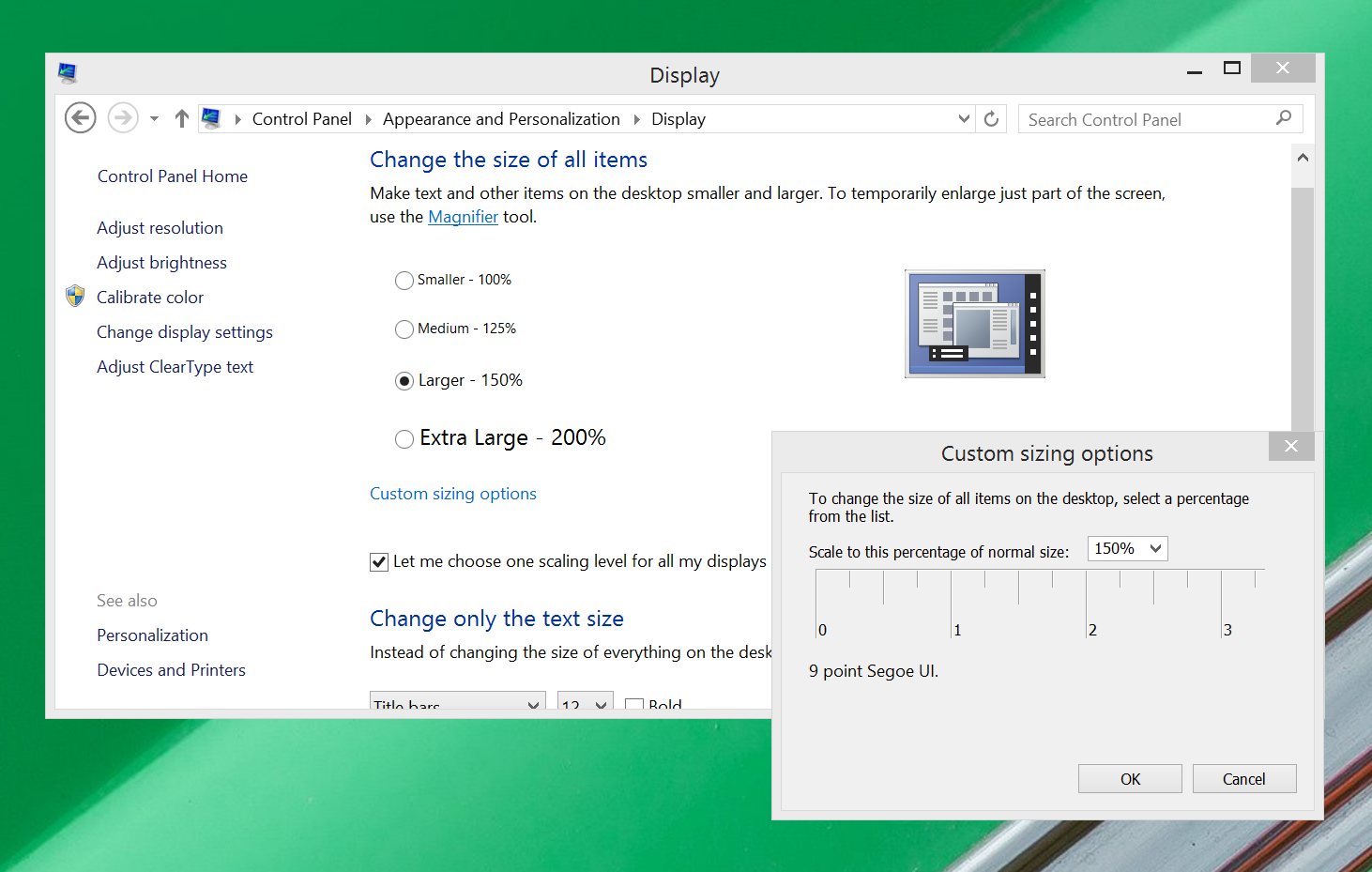
Windows' custom scaling utility.
The easiest way to fix this problem is with Windows’ system-wide scaling feature. This feature simply enlarges all programs and system UI elements.
To configure it, just open the Control Panel, then click on Display > Custom Sizing Options. You’ll see a simple options window with a zoom percentage selector and a ruler. You can select a percentage manually, or click and drag on the ruler to decide how much to zoom in. The idea of the ruler is that you can hold an actual physical ruler up to your display, then adjust the virtual ruler until they match, and that will give you an appropriate amount of zoom—though of course you’re free to use more or less as your own preferences and eyesight dictate.
If you’re happy with general UI size, but want just text to be a little bigger system-wide, you can make that change at the bottom of the main Display options window.

Set exceptions

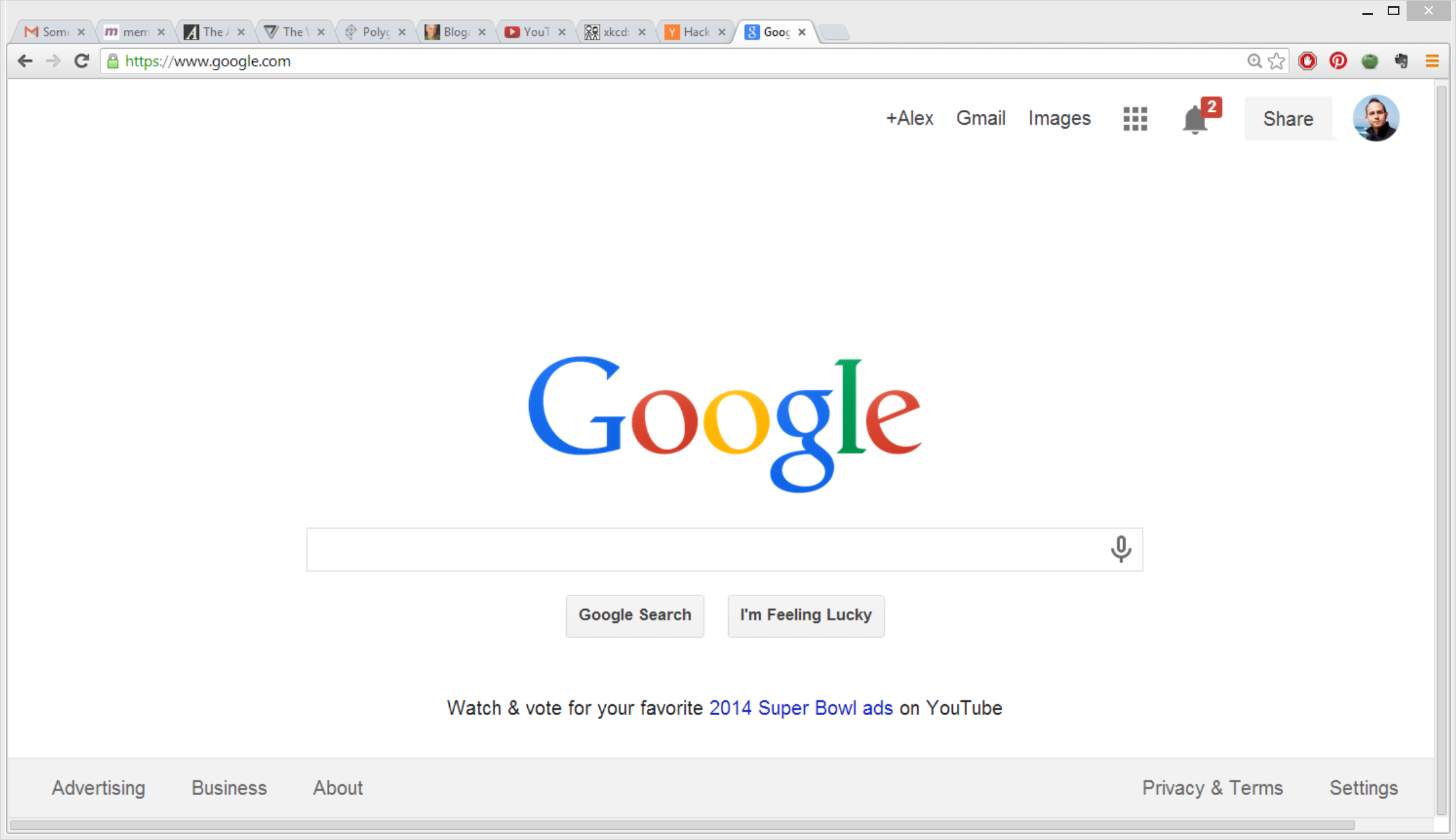
chrome unfixed
Chrome becomes a blurry mess when it's subjected to Windows' custom scaling, alas.
Unfortunately, the global scaling feature does not work well for every program. You might find that it makes some programs look ugly and blurry, or that it makes them too large. Worse, some applications are bugged when magnified by Windows. Google Chrome, for instance suffers from blurry text and a malfunctioning tabs bar when using the system-wide scaling.
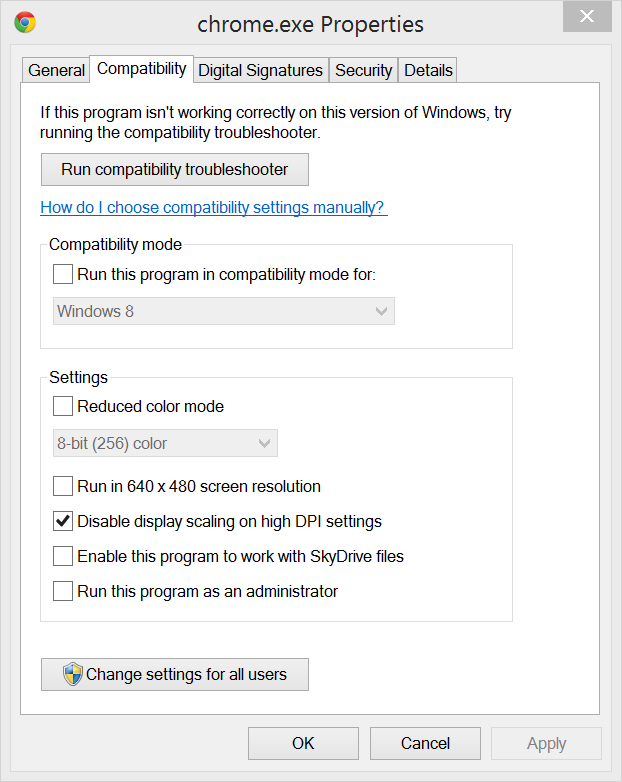
chrome properties
You can disable high DPI scaling in a program's property options, as shown here for Chrome.
Fear not! You don’t have to disable the very-useful scaling as a whole just for those few programs. Instead, you can make them an exception, so that the scaling is selectively not applied to them.
To do so, simply track down the executable file for the program in question—Google Chrome’s is located by default at C:/Program Files(x86)/Google/Chrome, for instance—then right-click on it and select Properties. Then click on the Compatibility tab and check the box labelled “Disable display scaling on high DPI settings.”

Increase icons sizes

A simple way to make your computer more high-density-friendly is to change how your icons and folders display, so that they use the high-resolution large or extra-large icons. To do this, just right-click on the desktop or any folder in Explorer, and mouse over View, then choose Large or Extra Large icons.
If you’d like to keep using the list view in Explorer, but want to take advantage of the extra space your high-density display affords you, you can enable the preview pane by hitting Alt + P. This pane is great for getting more details about individual files.

Use manual zoom

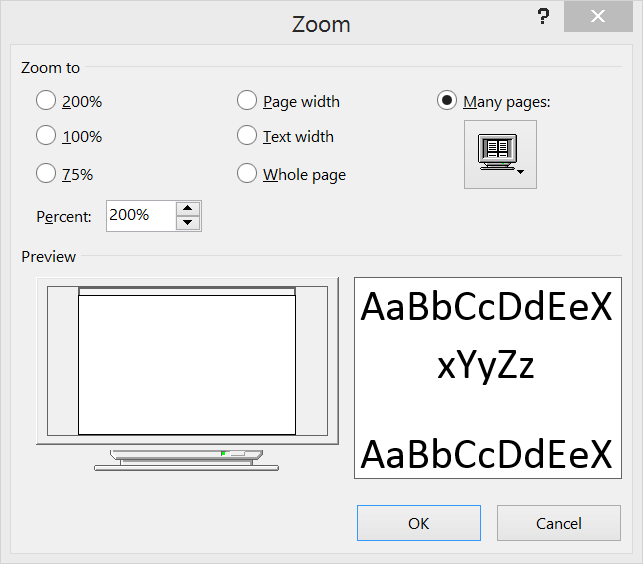
microsoft word zoom menu
The Zoom options in Microsoft Word.
You should also know that many programs have a manual zoom feature that may be better implemented than the system-wide scaling. The near-universal keyboard shortcut for zoom is to hold down the Control key and turn the scroll wheel. You’ll find that this shortcut works in all web browsers, and most programs that involve editing any type of document.

Upgrade to Windows 8.1

Finally, you should upgrade to Windows 8.1 if you haven’t already. The free upgrade to Windows 8 includes a number of new features designed to benefit high-density displays. New features include the ability to increase UI scaling all the way up to 200% and automatic scaling adjustment for multiple monitors, so you can pair a regular-density external monitor with your high-DPI laptop, and both will receive the appropriate amount of scaling.
Read more

These are the filthy words Google voice search doesn't want to hear


Google takes a decidedly more puritanical view towards "naughty" voice searches than it does toward comparable typed searches.
By default, Google blocks voice search results that it deems offensive. Presumably, its motive has less to do with keeping you from cussin' than with shielding users from questionable content in the event that Google's software misunderstands their spoken request for "pictures of shih tzus," "chicken plucking contest," or "How can I get to Bangkok?" What could possibly go wrong, you ask? Just think of Google voice search as a spoken-word equivalent of autocorrect.
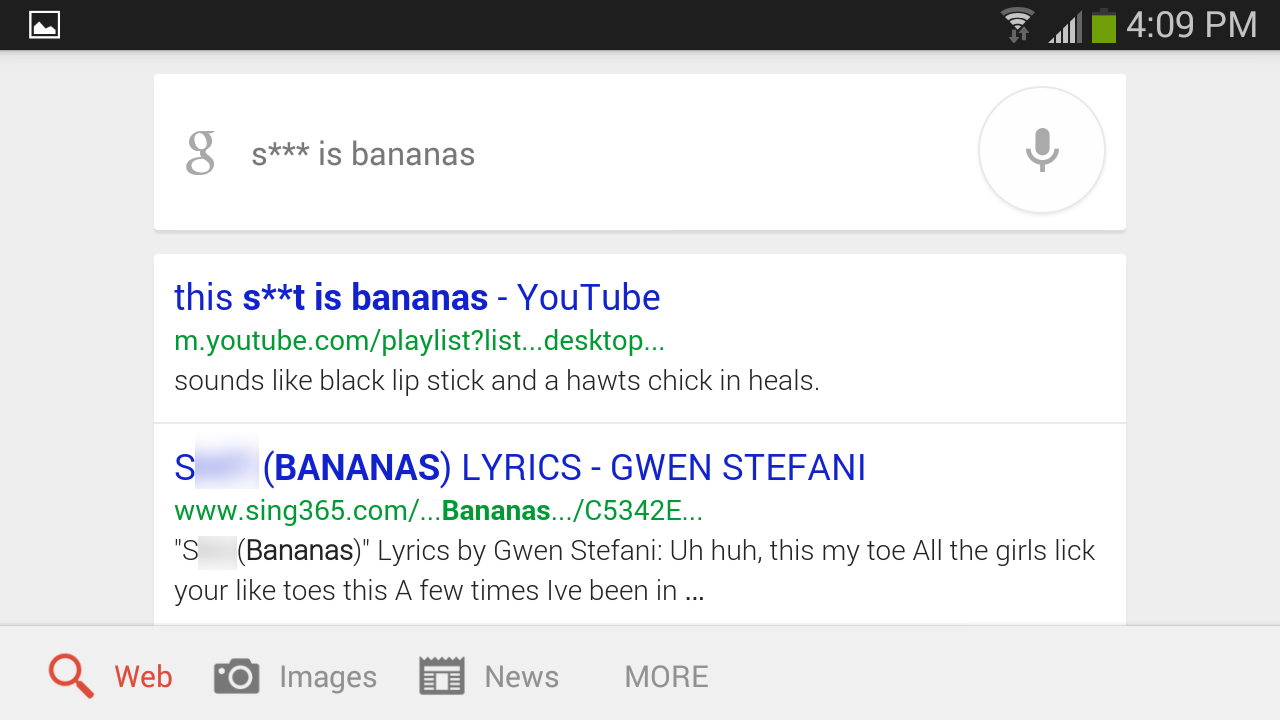
Anyway, if you vocally google the s-word, the search bar will populate with "s***" and will return a nonsense search for the letter "s," though you can usually find what you're searching for if you provide enough additional context.
s   isbanannas edit
Users can disable the software's voice search censorship in mobile search settings (though as far as I can tell, disabling it in the desktop Chrome browser is impossible), and of course there are no restrictions on inputting naughty words from a real or virtual keyboard for a standard Google search.
But in today's anything-goes, South Park culture, what words still qualify as dirty? Google has never issued an official public no-no voice recognition list, so we decided to try to create one.
In the end we were able to identify 21 words that Google voice search refuses to acknowledge. However, the company's standards for which words receives the asterisk treatment are wildly inconsistent. And some words that aren't censored are more inflammatory than some of the ones that are.
Note: The content below alludes to all manner of cuss words, sexual acts, and ethnic slurs. These terms are not part of my everyday vocabulary (in fact, I felt downright filthy after this exercise). Out of respect for our audience's sensibilities, we've tried to avoid naming or showing the actual terms, even the comparatively mild ones (but you probably won't have any trouble figuring them out). Feel free to add your own finds and opinions in the comments, but please exercise similar discretion.

The usual suspects

As mentioned earlier, the four-letter s-word gets censored. Similarly, the four-letter f-word and its conjugations are no-nos, and return search results for the letter "f" alone.
f   youyouf
The four-letter p-word for "urine" and "urinate" was one of the featured terms in George Carlin's infamous "seven dirty words" routine from 1972, but I was surprised to find this relatively mild term still being censored 42 years later.
dont piss me off
Nevertheless, you can successfully search for some forms of the word that specifically refer to being angry or annoyed. Pissy, for example, appears asterisk-free, and the search will even provide a robo-spoken definition, along with a written dictionary description that labels the term "vulgar slang."
pis y edit

Private parts

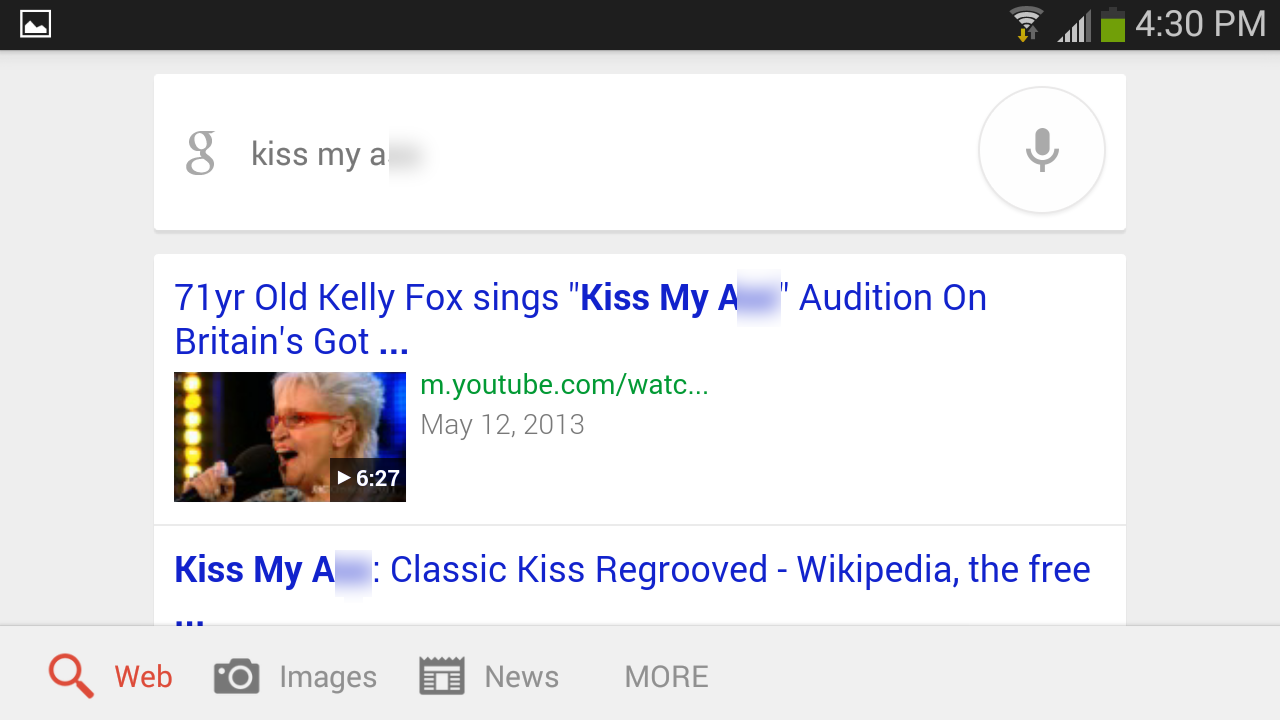
Here's a surprise: The three-letter a-word meaning "buttocks" gets a pass (maybe because it also means "donkey"?), but the b-word referring to the same body part gets blocked. Perhaps Google doesn't want to surprise users with results for butt when they want results for but, so it blocks butt altogether. It's a theory, anyway.
kiss my assedit
kissmybu
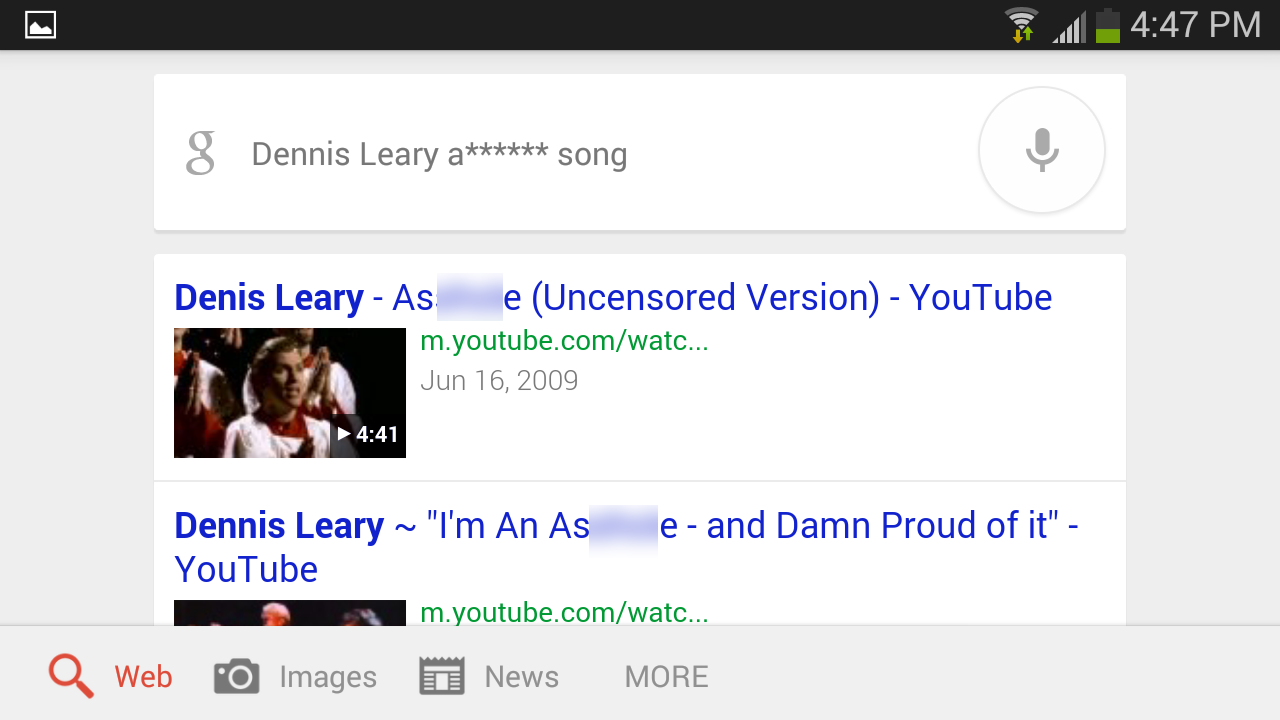
The seven-letter a-word that begins with the aforementioned three-letter a-word and has the meaning "anus" or "mean person" is censored, however.
a holedennislearyedit
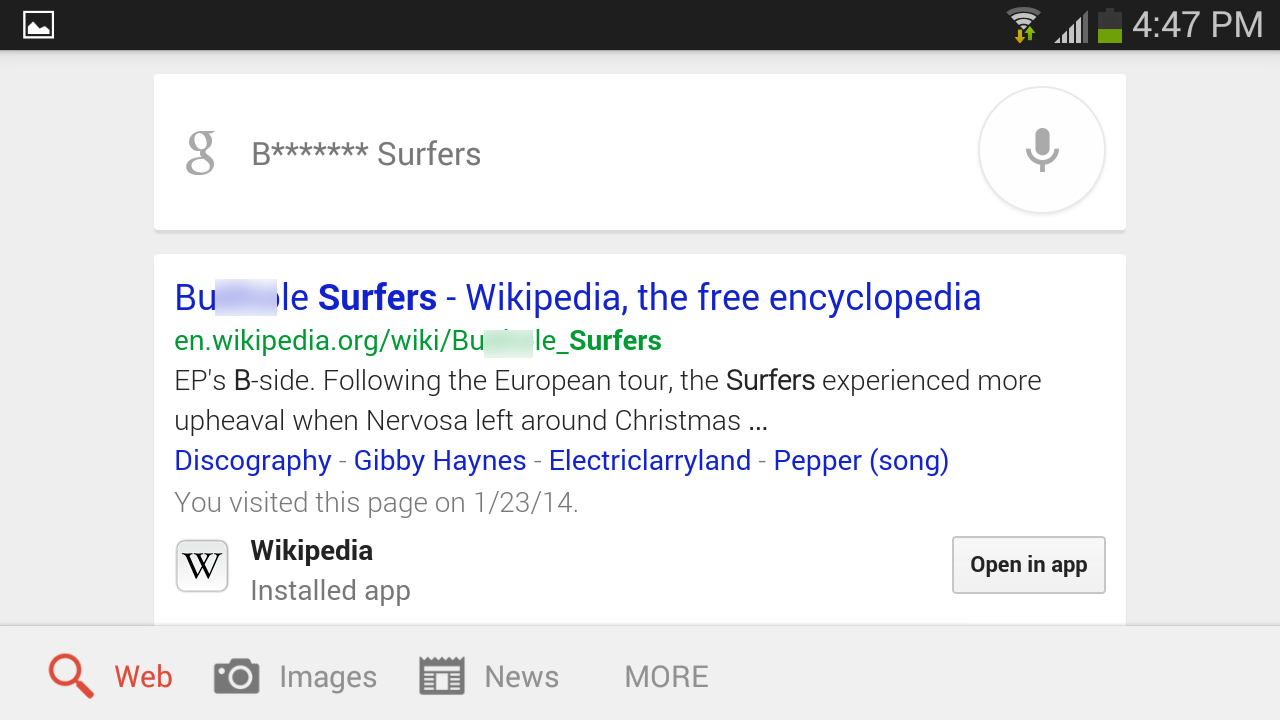
Conversely, the b-word that refers to the same orifice is also blocked, even though it easily passes basic cable muster.
bu  hole surfersedit
The plural four-letter t-word referring to female breasts (or to the Paridae, a taxonomic family of small birds that includes the various species of North American chickadees) gets covered up. But the longer version of the same word (which ends in ies and is never used to refer to small songbirds) gets through just fine.
t tsshow
titt  sshowedit
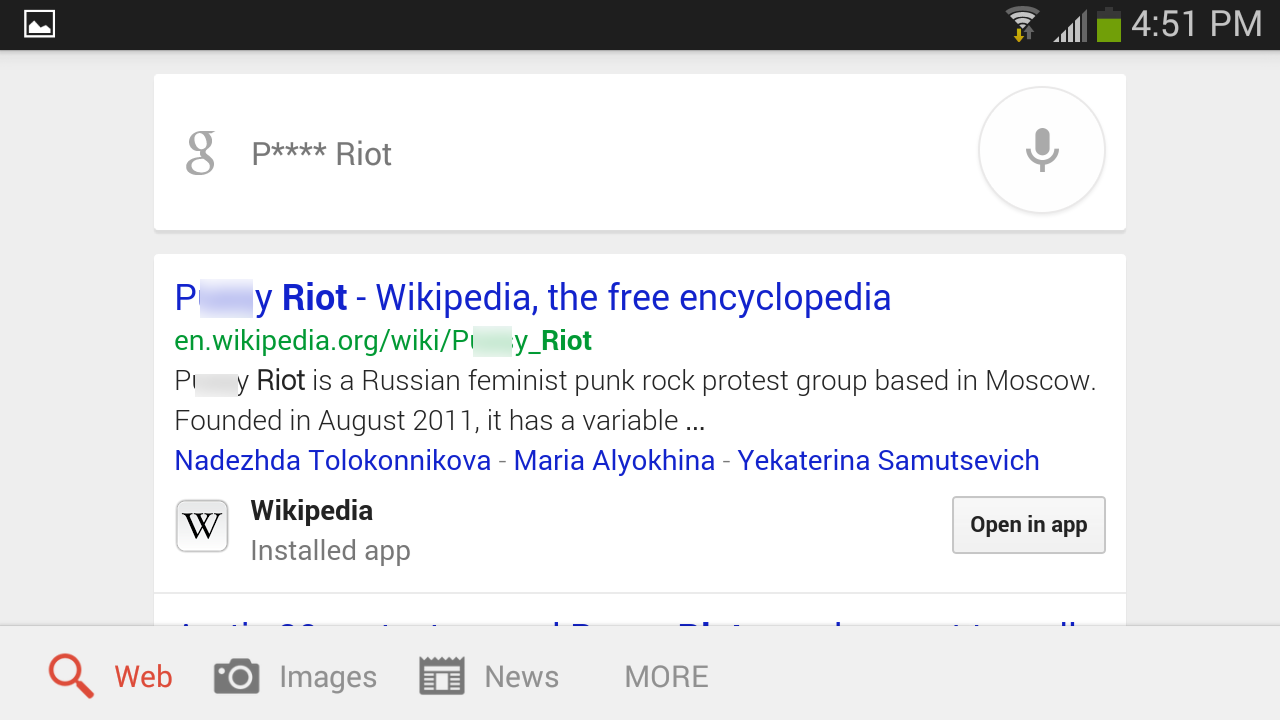
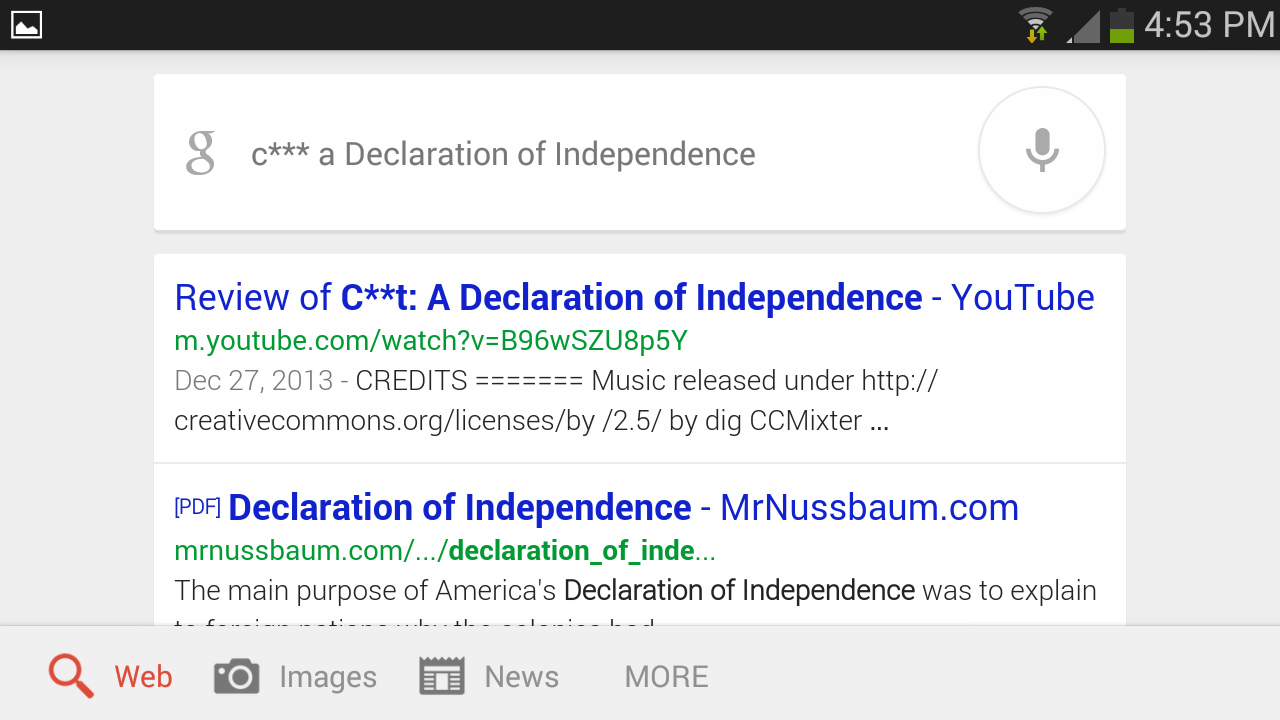
The five-letter p-word and four-letter c-word for female genitalia are understandably verboten, as is the four-letter c-word for male genitalia (and for "rooster").
pussy riotedit
cu t decleration
co k henhous
Oddly, Google tolerates plenty of common (and crude) anatomical terms, including the four-letter d-word for male genitalia (short for "Richard") and the five-letter b-word (rhymes with "loner" and can also mean "blunder") for the same body part in its erect state.
The four-letter t-word referring to female genitalia (rhymes with "swat"), which most people consider vulgar, goes uncensored by Google: The search app's robo-voice automatically reads the word aloud, along with its definition (simply "a woman's genitals").

Sexual acts

When it comes to acts of recreational sex, Google's criteria for what terms are acceptable seem arbitrary and strange. Predictably the common seven-letter b-word for "fellatio" that ends with job gets the asterisk treatment.
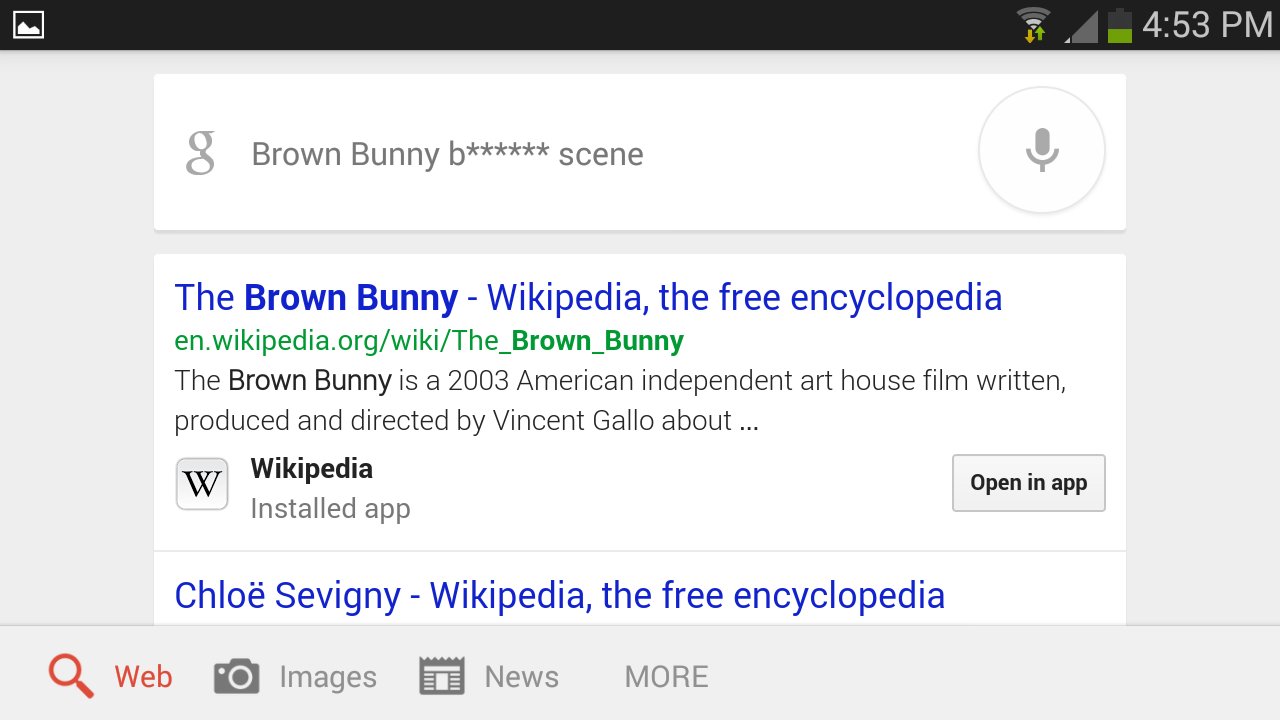
blo  ob bunny
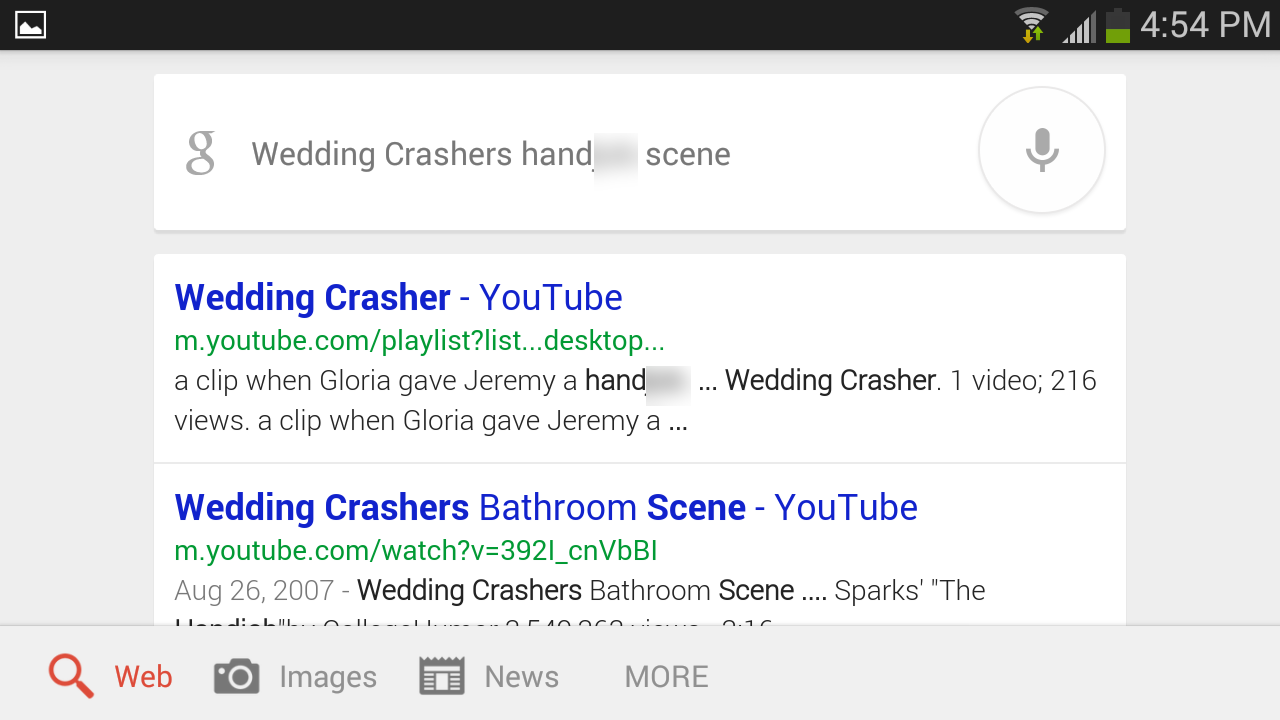
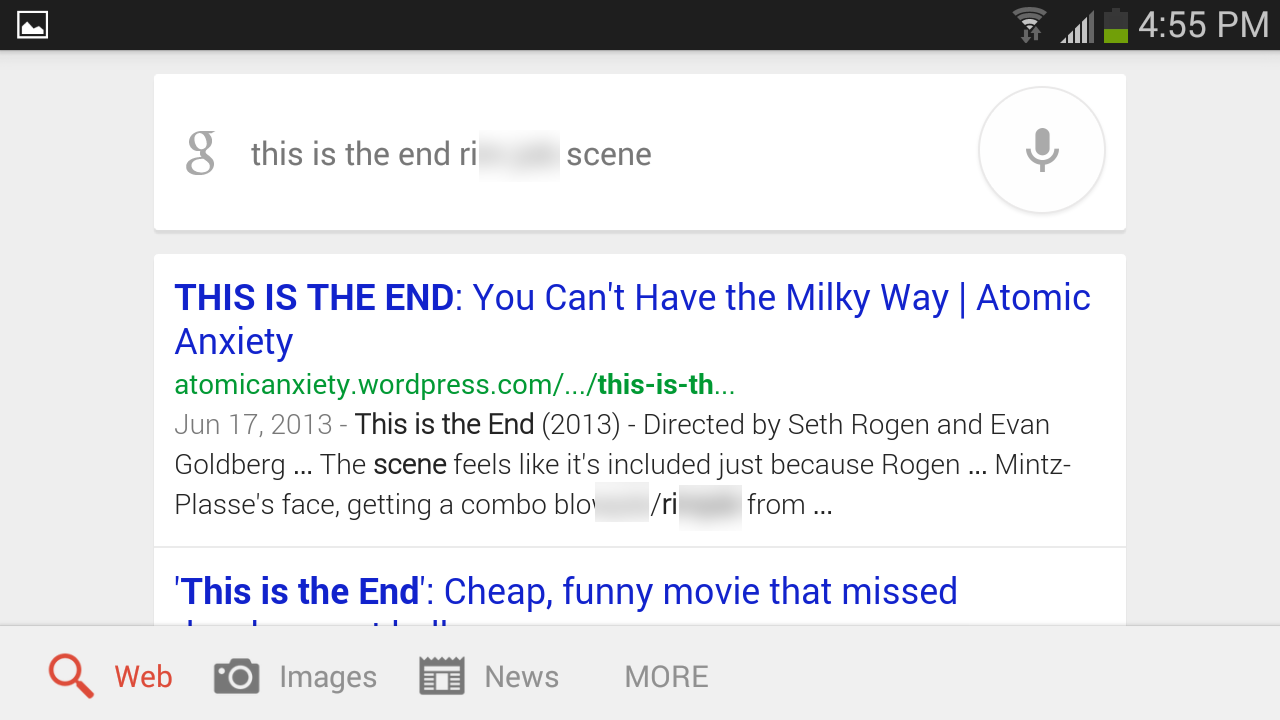
However, the terms for sexual acts that have the same ending but begin with hand or rim apparently didn't raise any red flags for Google.
han  obweddingcrashedit
ri  obtheendedit
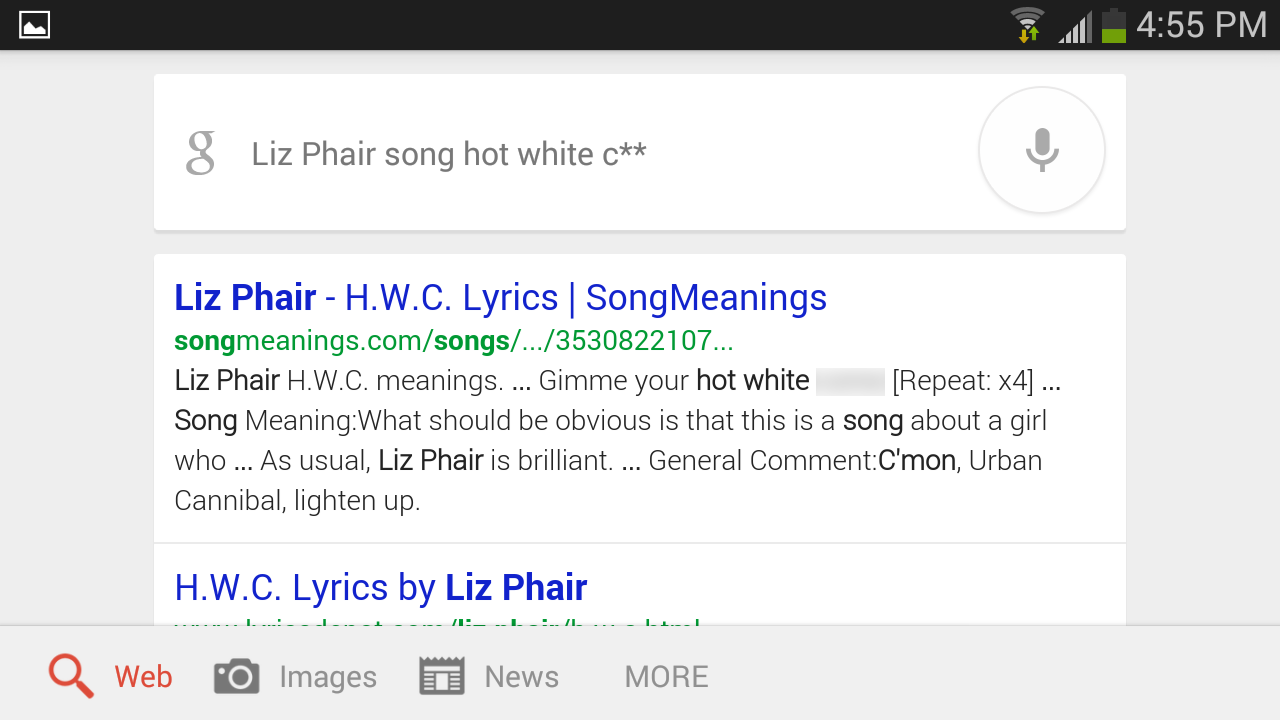
The three-letter c-word referring to "orgasm" or "ejaculate" is out, though the similarly used four-letter j-word (the one that's a single letter off from "jazz") gets through without hindrance.
cu liz phair edit
The terms for male masturbation beginning with jack or jerk find clear sailing, as do various terms for female stimulation that begin with the word finger. An array of less common words for various creative (or procreative) sexual activities also made the Google cut, as interested parties can discover for themselves.

Hate speech

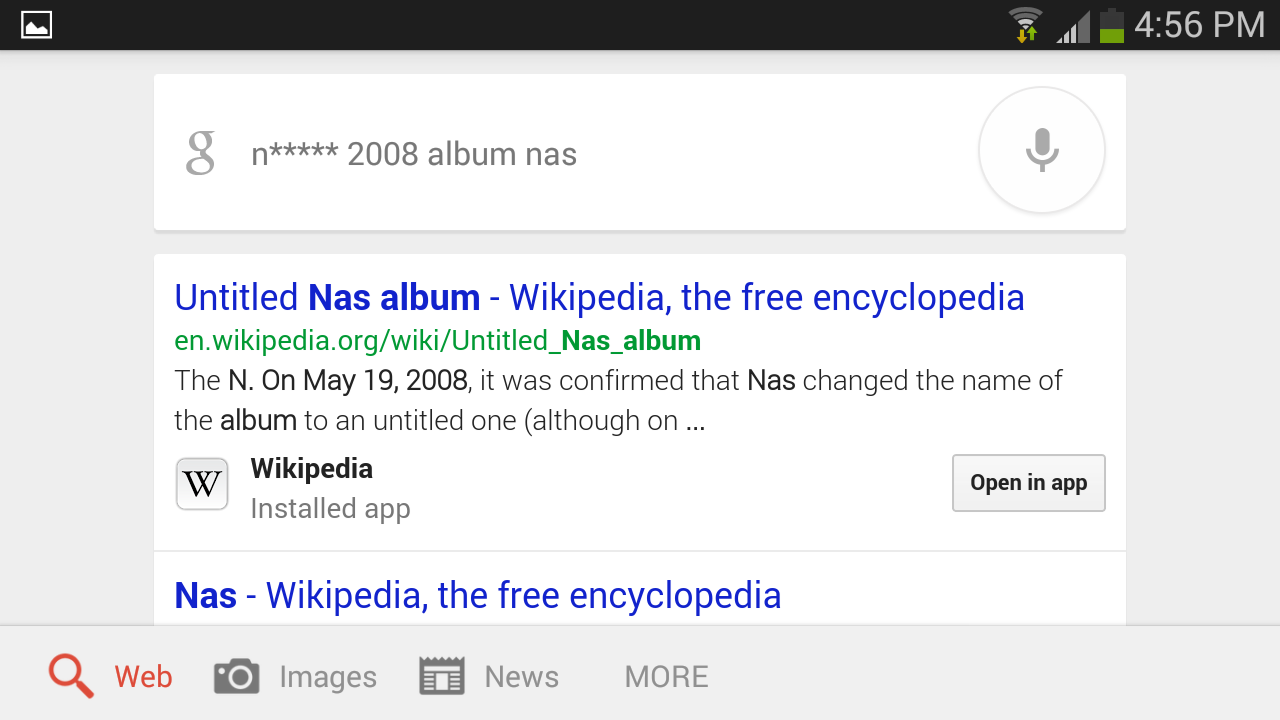
Google search declines to recognize the six-letter n-word. It also blocks the more casual five-letter version of the word that ends in an "a" (and often appears in song lyrics).nig er nas
nwa edit
The seven-letter w-word aimed at Hispanics also gets censored. The common four-letter s-word slur is probably also forbidden, but I couldn't get my phone to recognize it at all.
we  ackdonyoungedit
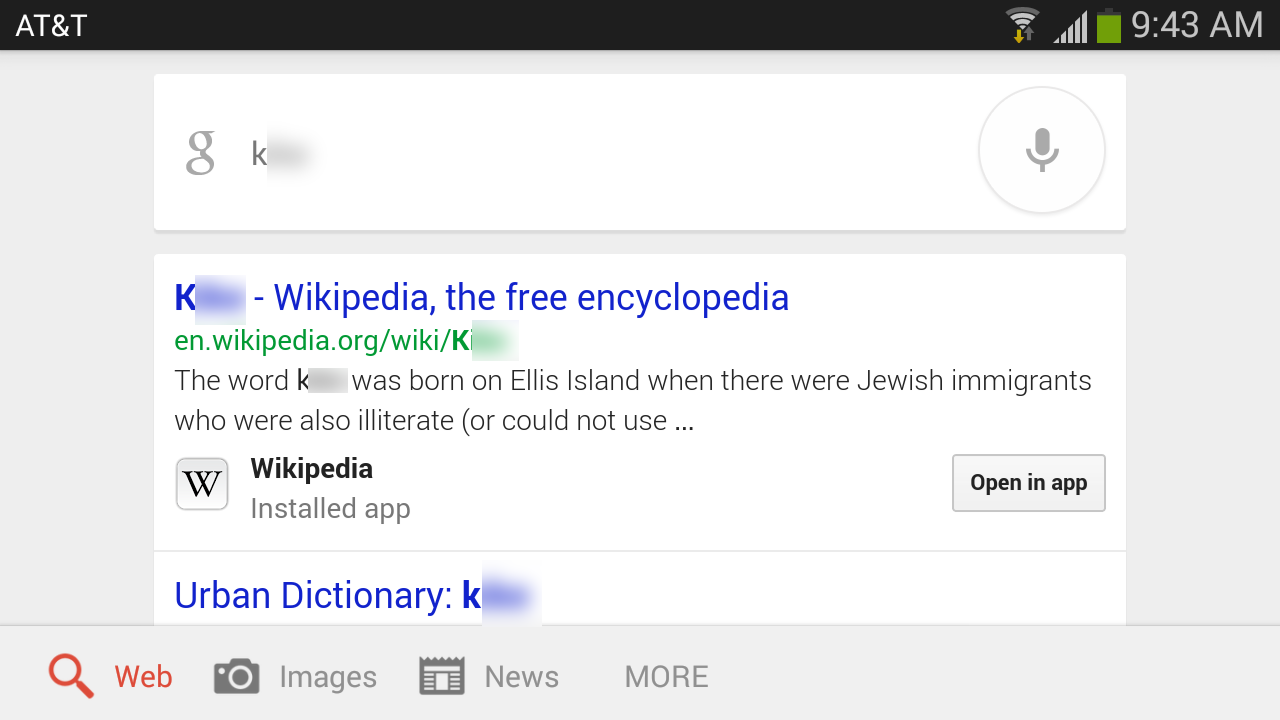
The four-letter k-word slur for Jews is not blocked. Maybe that term has fallen out of favor among anti-Semites. As a Web-enabled person of Jewish descent, I'm subjected to occasional doses of anonymous venom, but that word has never come up.
k ke edit
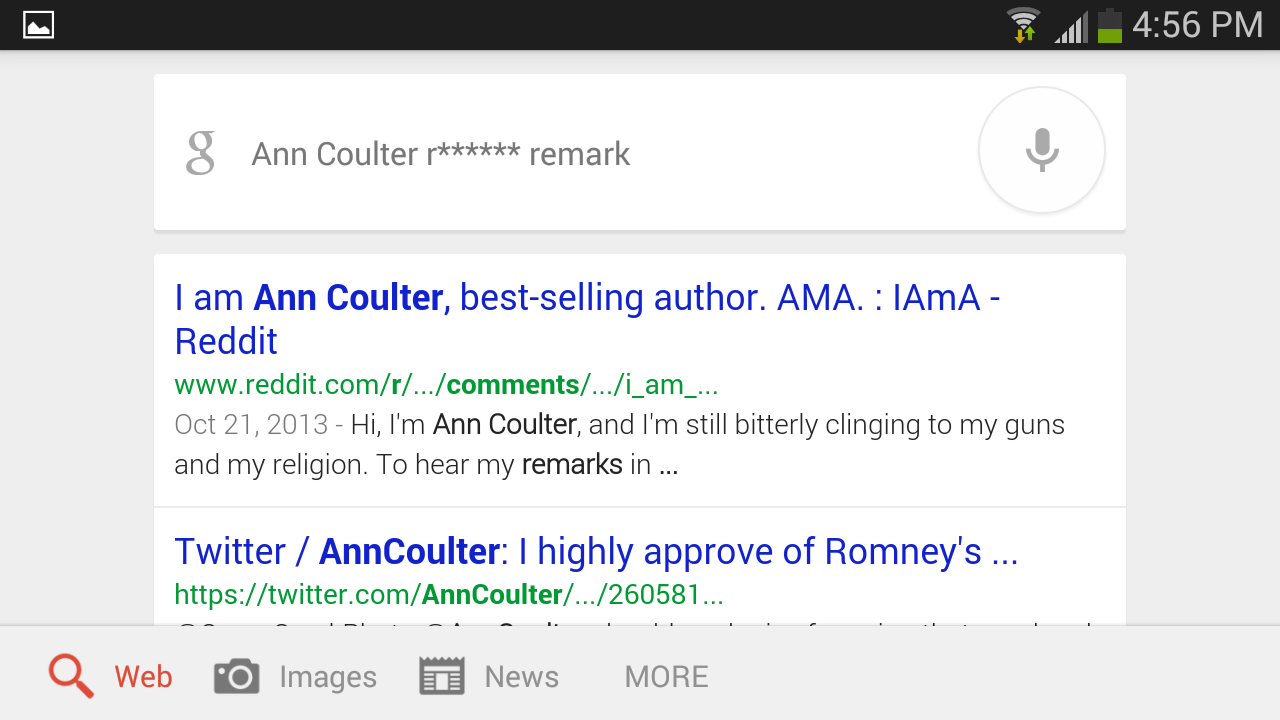
How commonly used a slur is seems to be a key factor in Google's censoring decisions. In the post-9/11 United States, we've seen a rise in hateful language aimed at people thought to be of Middle Eastern descent. Perhaps in response to that trend, Google search refuses to countenance the seven-letter r-word and the nine-letter t-word that begin with rag and towel and are used as ethnic slurs.
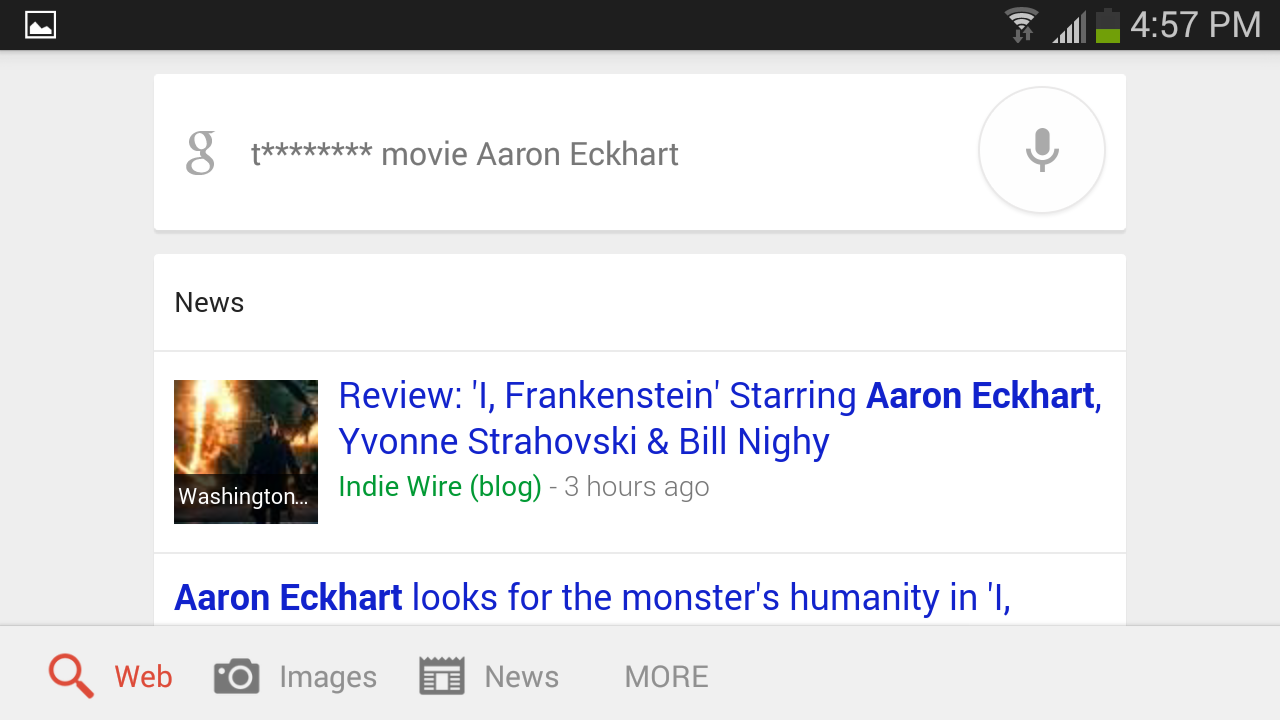
One unintended side effect of this policy is to prevent users from directly voice-searching the excellent coming-of-age film Towelhead starring Aaron Eckhart, or the novel it was based on. A search for "t******** movie" will not return the film on the first page of results, the algorithm recognizes it as the nonsense search "t movie."
ragh  d colter
tow  head aaron
The six-letter f-word used a slur for a gay men is censored, and I assume that the shortened, three-letter version of that word is blocked too, though I couldn't get my phone to recognize it. Likewise, the ten-letter c-word (whose last six letters rhyme with "trucker"), used as a homophobic slur, is blocked.
fa  oteminiemedit
co  suckerdeadwood
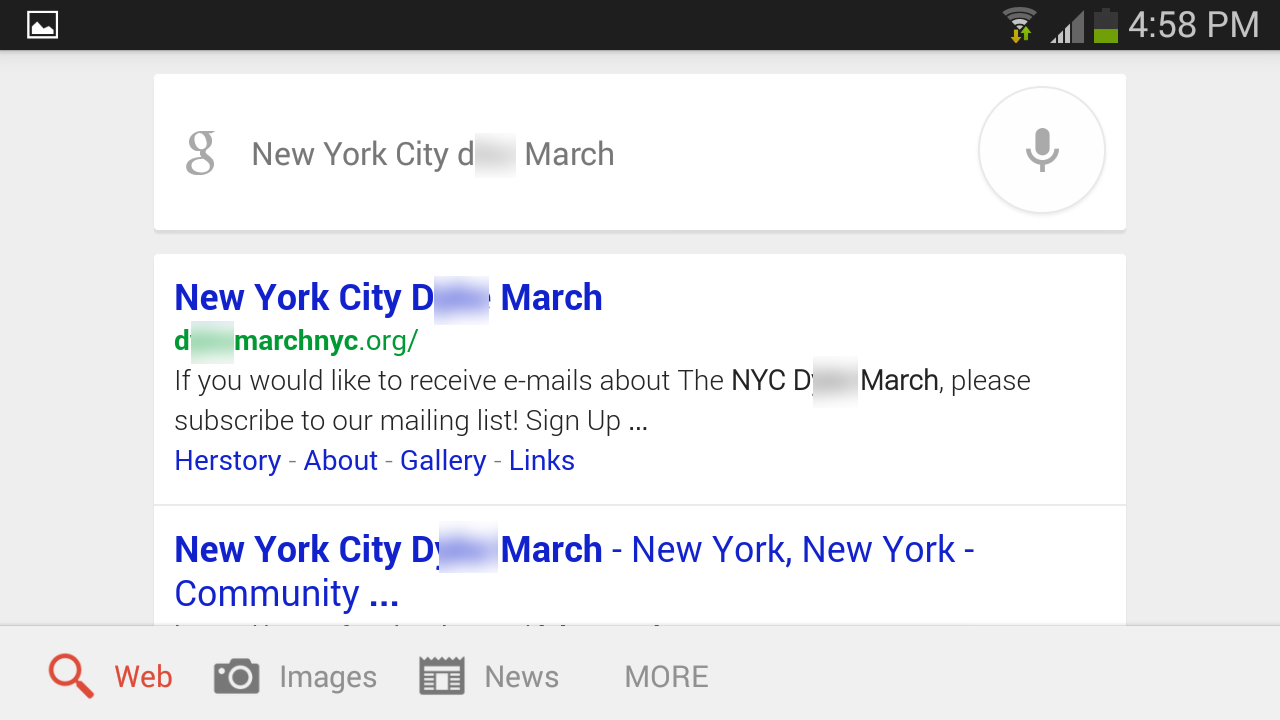
The four-letter d-word referring to gay women doesn't get censored—perhaps because the term (in British English, anyway, it's commonly spelled with a "y") also has nonhateful meanings ("ditch" and "levee"). Or perhaps the word has been appropriated by the lesbian community as a prideful way to refer to themselves.
dy emarchedit
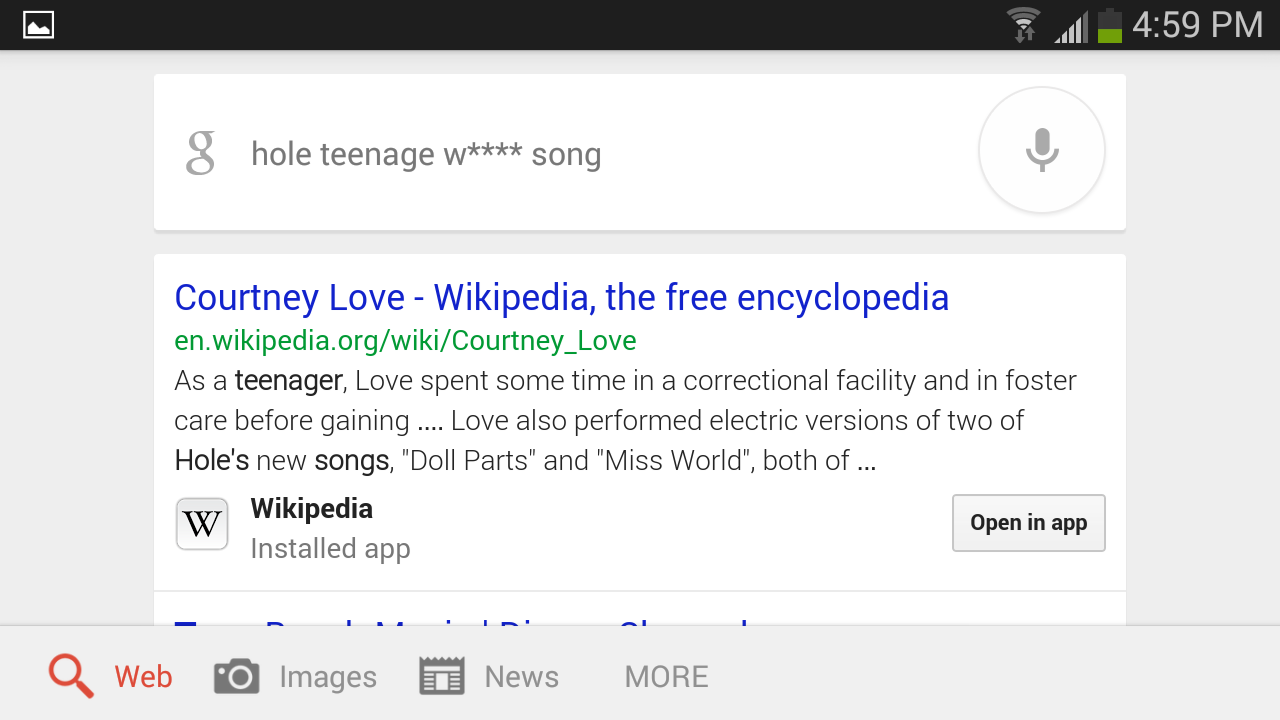
Google does seem to look askance at misogyny, blocking the five-letter w-word for "prostitute" as well as the five-letter b-word for "female dog."
wh reholesong
bi tchmeredithbrooksedit
Many other common slurs seem not to have prompted Google to ban them, but we see no reason to mention them all here; just use your imagination.
Though we reached out to Google to ask how it decides which content to block in voice search, we have yet to receive a response. 
People have tried to define and quarantine naughty content since time immemorial, and such efforts (and the debates they spawn) often prove to be messy and contentious. As it turns out, Google—a multinational corporation with near-unlimited resources—is just as confused as everyone else.
Read more